
Squarespace vs WordPress: Which Is Better for Your Business in 2026?
Squarespace makes beautiful websites easy. WordPress makes powerful websites possible. Both claims are true - which is exactly why choosing between them is hard. Here is the honest 2026 comparison: real costs, real SEO differences, where Squarespace shines, where it caps your growth, and what switching involves.
 Ali RehmanFull Stack Web Developer
On this page 11 sections
Squarespace ads promise a stunning website by Sunday evening. WordPress fans reply that pretty templates won’t grow a business. Strip away the marketing on both sides and you are left with a genuinely hard choice - because unlike most platform debates, both products are actually good. They are just good at different things, for different businesses, at different stages.
I build WordPress sites for small businesses - including custom property-search builds - and I have honestly told owners with a ten-page portfolio site to stay right where they are on Squarespace. This guide gives you the real 2026 comparison: pricing without the asterisks, the SEO differences that actually matter, where Squarespace genuinely beats WordPress, the limitations its marketing never mentions, and what switching platforms involves if you outgrow it.
Squarespace vs WordPress: the real difference in one minute
Skip the feature tables - the core difference is philosophy. Squarespace is a gallery: a curated, closed space where everything is designed to look right together, and the walls stay where the architect put them. WordPress is a workshop: open-source software you install on your own hosting, with around 60,000 plugins and total freedom to build anything - including a mess, if nobody maintains it.
- Squarespace bundles hosting, templates, security, and support into one subscription. You customize within a polished design system, and the platform handles every technical detail.
- WordPress (self-hosted WordPress.org) separates the pieces: you rent hosting, pick a theme, add plugins, and own the result outright - along with the responsibility for updates, backups and security.
- One honest difference from Wix: Squarespace lets you export core content (pages and blog posts) in a WordPress-compatible format. It is a partial export, but it means Squarespace locks you in far less than Wix does.
Pricing: what each one really costs

“Squarespace vs wordpress cost” and “squarespace pricing plans” are among the most-searched versions of this decision, so here are the numbers without the asterisks:
- Squarespace real costs: business-capable plans run roughly $17–$40/month billed annually ($200–$480/year), with commerce tiers higher. That single bill genuinely covers everything: hosting, SSL, templates, updates, support. Almost no hidden extras - the main creep is third-party tools like scheduling or email marketing as you grow.
- WordPress real costs: the software is free. Hosting runs $5–$25/month shared or $25–$60 managed, a domain ~$15/year, a quality theme $0–$100 one-time. Realistic DIY total: $100–$400/year. A professional build adds a one-time $500–$3,000 - full math in my website cost guide.
- The catch on each side: Squarespace’s subscription never ends and never gets cheaper - five years costs $1,000–$2,400 with nothing portable at the end. WordPress’s sticker price hides maintenance: updates, backups and security are your job or a $30–$150/month care plan.
The pattern I see with real clients: owners underestimate five-year Squarespace costs and underestimate first-year WordPress effort. Price them both over three years for your situation before deciding - that single spreadsheet answers most of the debate.
Design: where Squarespace genuinely beats WordPress

Credit where due: Squarespace templates are the best in the builder market. They are genuinely designed - typography, spacing, image treatment - and they stay beautiful even when a non-designer edits them, because the system quietly prevents ugly choices. For photographers, artists, studios, restaurants and anyone whose site must look expensive, that guardrail is worth real money. It is the main reason “is squarespace worth it for portfolio” and “for artists” show up constantly in search data.
The flip side is “squarespace design limitations” - also its own search family. You customize within the template’s system: fonts, colors, layouts from approved blocks. Push past it - a custom booking flow, an unusual grid, an interactive calculator - and you hit the wall fast. WordPress has no such ceiling: any design, any feature, any integration can be built. But nothing stops ugly, either - WordPress sites look as good as the theme and the person configuring it, which is why a professionally built WordPress site and a DIY one can look like different products.
SEO: is Squarespace or WordPress better for ranking?

“Squarespace vs wordpress seo” deserves a precise answer, not tribal loyalty. Squarespace handles the fundamentals competently: clean HTML, automatic sitemaps, editable titles and meta descriptions, redirects via URL mappings, SSL by default, decent mobile rendering. A local five-page site can rank fine on Squarespace - especially paired with the local SEO playbook and a well-managed Google Business Profile.
WordPress pulls ahead exactly where serious SEO happens. You control hosting and caching, which decides page speed - on Squarespace you get what the platform gives. You can implement any schema markup pattern precisely, not just the automatic basics. SEO plugins expose every lever in my technical SEO checklist. And at content scale - dozens of service pages, location pages, weekly posts - WordPress’s publishing workflow stays fast where Squarespace’s editor becomes friction.
Keep perspective though: platforms don’t rank, pages do. A Squarespace site with twenty genuinely useful pages beats a WordPress site with six thin ones. If your site is invisible right now, work through why your site doesn’t show on Google before blaming the platform - and remember that consistent publishing, the engine in how to get traffic, matters more than the CMS underneath it.
Ease of use: is Squarespace really easier?
“Is squarespace easier than wordpress” - yes, and it isn’t close for the first month. One login, visual editing, nothing to update or back up, support that answers. For a busy owner, that simplicity is real value, the same trade covered in AI builders vs hiring a developer: convenience in exchange for control.
Two honest nuances. First, WordPress’s day-to-day editing is better than its reputation - the block editor handles routine updates easily, and a well-built site gives you simple fields to change text and photos without touching anything fragile. The hard parts are setup and ongoing maintenance, which a care plan can take off your plate entirely. Second, Squarespace’s ease has a horizon: the moment your needs pass the template system, “easy” becomes “impossible,” and no amount of drag-and-drop fixes a feature the platform doesn’t offer.
Squarespace limitations: the ceiling nobody advertises

“Squarespace limitations” is its own autocomplete family because owners keep hitting the same walls:
- A small extension ecosystem. Squarespace offers dozens of official extensions; WordPress offers ~60,000 plugins. Membership portals, advanced booking, real-estate search, complex forms, niche integrations - on Squarespace the honest answer is often “you can’t.”
- Design customization stops at the template system. Custom code injection exists but fights the platform - by the time you are paying a developer to hack around Squarespace, you are paying WordPress prices for Squarespace limits.
- Platform-set performance. No hosting choices, no caching control, no server tuning. Squarespace speed is acceptable, but when a heavy page is slow, your options end at compressing images.
- Content operations get heavy at scale. Squarespace documents hard caps on pages per site, and past a few dozen pages the workflow drags - bulk edits, category structures and internal linking are all slower than WordPress at volume.
- Partial escape hatch. The WordPress-format export covers pages and posts but not products, galleries, events or design - better than Wix’s nothing, still not a full move.
The pattern mirrors every closed platform: limits that never bother a five-page portfolio start costing real money when the business grows. If your site already feels tight - features postponed, pages awkwardly shoehorned - that quiet friction is one of the ways a website loses customers long before analytics show it, and a classic sign it’s time to rethink the platform.
Which should your business choose?
Match the platform to the job your website does:
- Portfolio, photographer, artist, studio: Squarespace, comfortably. Its design system is built for exactly this, and “is squarespace worth it for portfolio” has a one-word answer: yes.
- Restaurant, salon, venue: Squarespace works beautifully - menus, galleries, reservations via integrations - if you get customers from referrals and social. If you need to win Google in your area, weigh WordPress.
- Local service business competing on search (plumber, dentist, contractor, agency): WordPress. Location pages, service pages and weekly content compound - this is where the SEO investment pays back fastest, fed by a real content plan.
- Online store: Squarespace Commerce is fine for a small catalog; a serious store should compare Shopify vs WooCommerce and budget with the e-commerce cost guide.
- Lead generation as strategy: WordPress. Landing pages, forms, CRM integrations and content at scale - the machinery behind getting more leads from your website - all run freer outside a closed platform.
- Custom features on the roadmap (portals, calculators, member areas, integrations): WordPress now - or a custom build - so you are not migrating later at the worst time.
Is Squarespace worth it in 2026?
Since “is squarespace worth it in 2026” is its own search family: yes - for the right site. If your website’s job is to look credible, show work, and take inquiries - and you’d rather pay ~$25/month than think about updates ever - Squarespace is honestly excellent, and I say that as someone who builds on WordPress professionally. It stops being worth it the day your growth depends on search traffic, content volume, or features the template can’t offer. Most businesses know which side of that line they’re on - and if you’re still unsure whether you need a site at all, start with do I need a website in 2026.
Switching from Squarespace to WordPress: what it actually involves
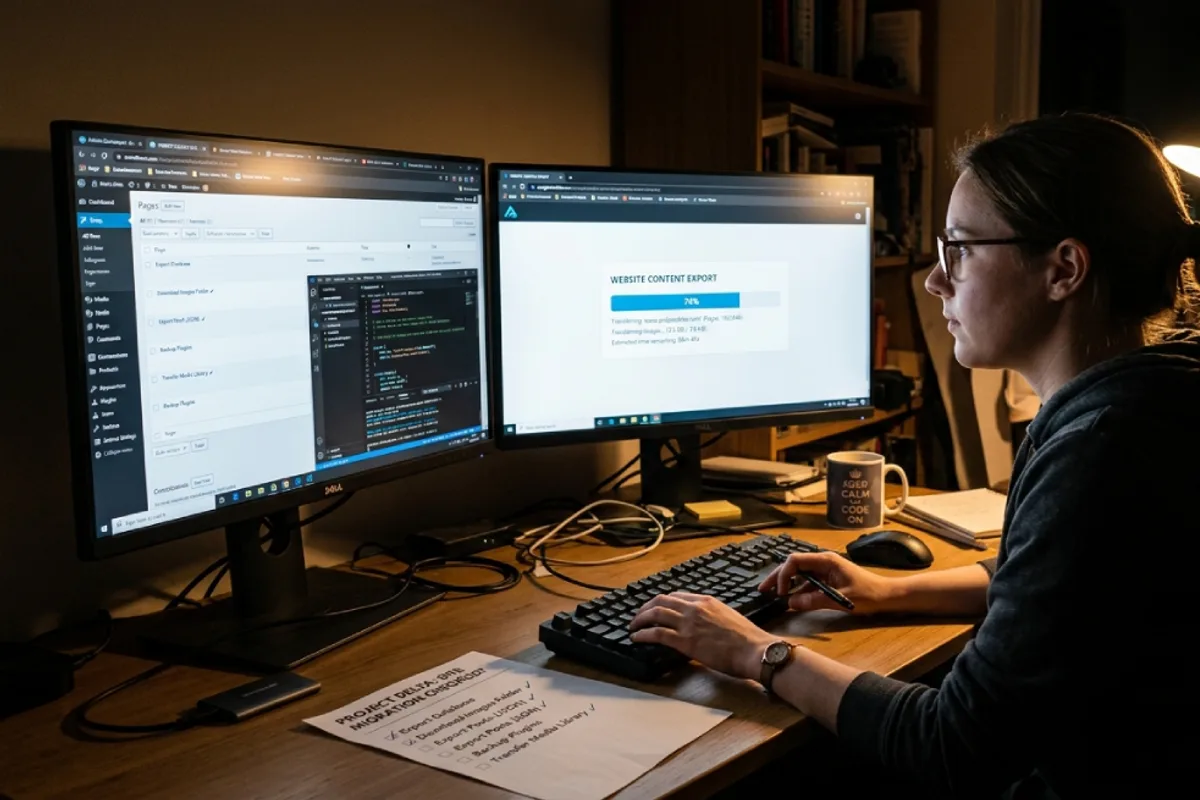
“Should i switch from squarespace to wordpress” gets asked constantly, so here is the honest picture. Thanks to the XML export, content migration is easier than leaving Wix - but the design does not transfer, and rankings need protection. Done properly:
- 1Export your content from Squarespace (Settings → Export) - pages and blog posts come over; products, galleries and events need manual handling.
- 2Set up quality hosting and WordPress using the criteria in the hosting guide - cheap hosting sabotages the reason you’re switching.
- 3Import, then rebuild the design on a proper theme or custom build - most owners fold this into a redesign since the labor overlaps.
- 4Re-add images properly - compressed, sized and with alt text, because the import rarely brings media over cleanly.
- 5Map every old URL with 301 redirects - the step that protects your Google rankings; skipping it resets your SEO to zero.
- 6Point the domain, verify Search Console, submit the sitemap, and QA forms, mobile and speed - the same launch discipline as any new build.
Realistic numbers for a typical small site: $300–$1,500 professionally, live in 1–3 weeks. This is exactly the work my WordPress development service covers, migration and redirect map included.
What about Wix and the other builders?
“Squarespace vs wordpress vs wix” shows up in the data too. Short version: Wix gives you more layout freedom and a bigger app market than Squarespace, at the cost of messier results and zero content export - the full breakdown is in Wix vs WordPress. Between the two builders: design-led site, choose Squarespace; feature-tinkering site, choose Wix; growth site, skip both. The designer-grade builder gets its own honest comparison in Webflow vs WordPress. And if a tool promises AI will build it all for you, read AI website builder vs developer first - the lock-in math is the same, just faster.
The bottom line
Squarespace is the best-looking rental in the website world; WordPress is property ownership with all its power and upkeep. Choose Squarespace when design and simplicity are the job. Choose WordPress when growth through search and custom functionality are the job. The real mistake is drift: staying on a beautiful template for years while it quietly caps your traffic, or moving to WordPress with nobody responsible for maintaining it. Decide on purpose, based on how your business actually gets customers.
Written by
Ali Rehman - Full Stack Developer
I build fast, scalable web applications with React, Next.js, Node.js & TypeScript. Have a project in mind? Send me a message and get a written plan with a fixed quote - start here.
More articles by Ali Rehman →