
Why Is Your Website Not Showing Up on Google? 12 Reasons and Fixes
Your website is invisible on Google and you do not know why. Here are the 12 most common causes, from indexing problems to thin content, with a plain-English fix for each one.
 Ali RehmanFull Stack Web Developer
On this page 16 sections
You built a website, you searched for your business on Google, and... nothing. Maybe it shows up on page five, or maybe it does not appear at all. It is one of the most frustrating moments for any business owner, and it happens far more often than you would think. The good news: in almost every case there is a specific, fixable reason - and most of them are not complicated once you know where to look.
This guide walks through the twelve most common reasons a website does not show up on Google, roughly in the order you should check them. It is written for business owners, not SEO specialists, so every fix is explained in plain English. If your site also has the conversion problems that usually travel with poor rankings, read it alongside 7 signs your website is losing you customers - and if you are still planning your site, my website cost guide covers what good SEO groundwork should be included in a build.
First: check whether Google knows your site exists

Before fixing anything, find out whether the problem is indexing (Google has not stored your pages) or ranking (Google knows your pages but shows them far down). Type site:yourdomain.com into Google. If your pages appear, you have a ranking problem. If nothing appears, you have an indexing problem - which is usually faster to fix. For a proper diagnosis, set up Google Search Console: it is free, it shows exactly which pages Google has indexed, and it tells you about errors directly from Google itself. Every fix in this article is easier with Search Console open.
1. Your website is simply too new
Google does not index new websites instantly. A brand-new domain with no links pointing to it can take days or even a few weeks to appear. That is normal. Speed it up by submitting your sitemap in Search Console, requesting indexing for your key pages, and getting a few real links to your site - a Google Business Profile, social profiles, and directory listings all help Google discover you sooner. If your site is less than a month old, patience plus a submitted sitemap solves most of it.
2. A noindex tag is blocking Google
This is the silent killer. A single line of code - a noindex meta tag or an X-Robots-Tag header - tells Google to remove the page from search entirely. It often gets left switched on after development, because builders and developers block indexing while a site is under construction and forget to remove it at launch. Search Console reports this as “Excluded by noindex tag.” The fix is removing the tag, then requesting reindexing. I have seen businesses invisible for months over this one line.
3. robots.txt is blocking your pages
Your robots.txt file tells search engines which parts of the site they may crawl. A misconfigured file - for example Disallow: / - blocks the entire site. Check yours at yourdomain.com/robots.txt: it should allow your public pages and only block private areas like admin panels. While you are there, confirm it links to your sitemap, because that is the fastest route for Google to find every page you want indexed.
4. You have no sitemap (or it is broken)
A sitemap is a machine-readable list of every page on your site. Without one, Google has to discover pages by following links, which is slower and less reliable - especially for new sites with few backlinks. Check yourdomain.com/sitemap.xml. If it does not exist, is empty, or lists broken URLs, fix it and submit it in Search Console. Modern platforms generate sitemaps automatically when set up correctly; it is one of the launch checks included in my web development service.
5. Your site is too slow
Speed is a confirmed ranking factor through Google’s Core Web Vitals. A slow site gets crawled less, ranks lower, and loses visitors before the page even paints. Test your site with PageSpeed Insights: scores in the red mean speed is actively holding you back. The usual culprits are oversized images, too much JavaScript, cheap hosting, and bloated page builders. The fixes - image compression, modern formats, caching, trimming scripts - are exactly what I cover in my performance optimization guide, and slow-site cleanup is one of the most common jobs in my website maintenance service.
6. Your site fails on mobile
Google indexes the mobile version of your site first. If your site is hard to use on a phone - text too small, buttons unclickable, layout broken - your rankings suffer everywhere, including desktop. Open your site on a real phone and try to complete the actions a customer would: read, scroll, tap the menu, submit the form. If any of that feels clumsy, mobile is dragging you down. A responsive rebuild or targeted mobile fixes through a website redesign usually pays for itself here.
7. Your content is too thin
Google ranks pages that genuinely answer what people search for. A homepage with three sentences and a phone number gives Google almost nothing to rank. Every important page needs real substance: what you do, who it is for, where you operate, why you are credible, and answers to the questions customers actually ask. This is also why a blog works - each in-depth article is another chance to rank for another search. If you are unsure what depth looks like, compare a thin services page with a full guide like WordPress vs custom website - the difference in usefulness is exactly the difference Google measures.
8. You are targeting keywords you cannot win yet
A new site will not outrank established companies for broad terms like “web design” or “lawyer.” That is not failure - it is just physics. The way in is specific, lower-competition searches: “emergency plumber in [your city],” “WordPress maintenance for clinics,” “how much does a booking website cost.” Specific searches have fewer competitors and far better buyer intent. Win those first, build authority, then move up to broader terms. This cluster approach is exactly how the content on this site is structured.
9. Missing on-page SEO basics

On-page SEO is the unglamorous plumbing of ranking: a unique, descriptive title tag on every page, a meta description that earns the click, one clear H1, logical headings, descriptive alt text on images, and clean URLs. None of it is difficult, but most business sites get several of these wrong - duplicate titles are especially common. These basics also power how your result looks in Google, which directly affects how many people click. Every page on this site follows them, and they are baked into every build I deliver through my development services.
10. Your site has no authority yet

Google partly judges sites by who links to them. A site with zero backlinks is a stranger with no references. You do not need hundreds of links - a handful of genuine ones moves a small site meaningfully. Start with the legitimate, free wins: Google Business Profile, industry directories, supplier and partner pages, local business associations, and one or two guest articles on relevant sites. Avoid purchased link packages entirely; they are the fastest route to reason twelve below.
11. You are answering the wrong search intent
Sometimes a page ranks poorly because it answers a different question than the searcher asked. Search your target phrase and study what Google actually shows: if the results are how-to guides and your page is a sales pitch, Google has told you what that audience wants - useful information first. Match the format of what already ranks: guides for informational searches, service pages for “hire” searches, comparison pages for “vs” searches. My guide on how to hire a web developer exists precisely because that is what people searching that phrase want to read.
12. A penalty, hack, or security problem
Rare but serious: if your site was hacked, stuffed with spam links, or flagged as unsafe, Google can demote or remove it. Warning signs include a sudden traffic collapse, a “this site may be hacked” label in results, or security warnings in Search Console. Missing HTTPS also quietly erodes both rankings and visitor trust - browsers literally label your site “Not Secure.” Keep software updated, use strong authentication, and fix security warnings the day they appear, not next quarter.
How long until you see results?
Honest timelines: indexing fixes (noindex, robots, sitemap) can show results in days. Speed and mobile improvements typically influence rankings over 2 to 8 weeks as Google re-crawls and re-evaluates. Content and authority building compound over 3 to 6 months. Anyone promising page one in a week is guessing or gaming - real SEO is a sequence of correct, boring fixes that stack. The order in this article is the order of fastest payoff.
Your 10-minute diagnostic checklist
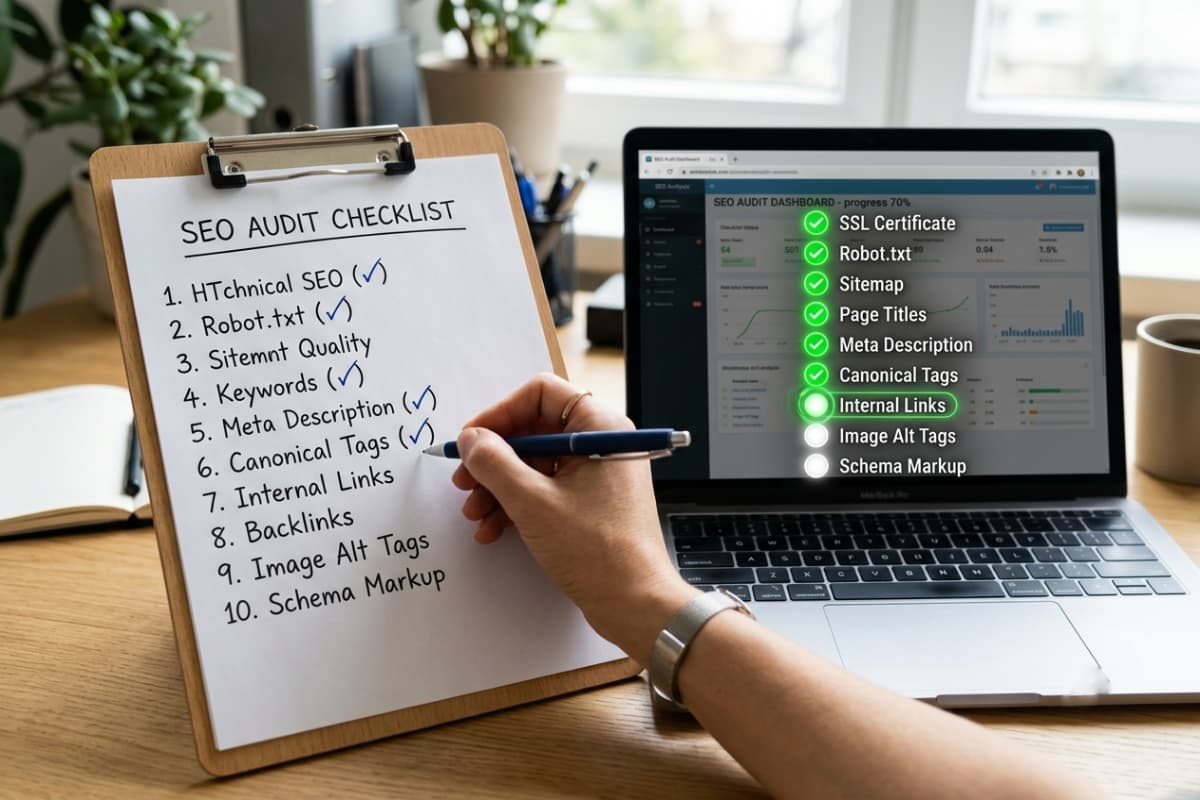
- 1Search
site:yourdomain.com- are your pages indexed at all? - 2Set up Google Search Console and check the Pages report for errors.
- 3View your page source and confirm there is no
noindextag. - 4Open
/robots.txt- is anything important blocked? - 5Open
/sitemap.xml- does it exist and list your real pages? - 6Run PageSpeed Insights - are mobile scores in the red?
- 7Use your site on a real phone for two minutes.
- 8Check every key page has a unique title and meta description.
- 9Count your backlinks honestly - is anyone linking to you?
- 10Search your target keyword and compare what Google ranks against what your page offers.
Frequently asked questions
How do I get my website on Google for free?
Set up Google Search Console, submit your sitemap, and request indexing for your key pages. Add your business to Google Business Profile. Both are free and are the fastest legitimate way to get discovered. After that, rankings depend on content quality, speed, and authority.
Why does my website show up for my business name but nothing else?
That means Google has indexed you but you have not earned rankings for competitive terms yet. It is the normal starting state. The fix is content depth (reason 7), realistic keyword targets (reason 8), and gradually building authority (reason 10).
Do I need to pay for ads to appear on Google?
No. Ads and organic rankings are separate systems. Ads buy instant visibility while you build organic rankings, but a well-optimized site ranks without spending anything on ads - it just takes longer. Many businesses run both: ads for immediate leads, SEO for the long term.
Can you fix my website's Google visibility?
Yes. I audit exactly these twelve areas - indexing, speed, mobile, on-page SEO, content and structure - then fix them with a written plan and a fixed quote. Everything in this article is work I do on real client sites, including my own: this site ranks using the same checklist.
If you want help reviewing the checklist, send your website through the contact page. The services page explains the available work. The portfolio includes the independently built Softora Guide and Indexloom Audit, a personal project in progress currently focused on an audit interface with sample findings. Indexloom has no live crawler or measured audit results. For budgeting, start with website costs.
Written by
Ali Rehman - Full Stack Developer
I build fast, scalable web applications with React, Next.js, Node.js & TypeScript. Have a project in mind? Send me a message and get a written plan with a fixed quote - start here.
More articles by Ali Rehman →