
How Much Does a Website Cost in 2026? A Transparent Pricing Guide
Confused about web development pricing? Here's a clear, no-jargon breakdown of what a website really costs in 2026 - and how to get the most value for your budget.
 Ali RehmanFull Stack Web Developer
On this page 9 sections
One of the very first questions every business owner asks is deceptively simple: how much does a website actually cost in 2026? The honest answer is “it depends” - but that answer helps nobody. So in this guide I’ll replace the vague hand-waving with real, current price ranges, explain exactly what drives the number up or down, and show you how to get the most value from whatever budget you have. No jargon, no sales pressure - just a clear map of what you’re paying for.
A website is one of the highest-leverage investments a small business can make: it works 24 hours a day, never calls in sick, and is usually the first impression a customer forms of you. But it’s also an area where prices swing wildly - from a $50 marketplace gig to a $50,000 custom platform - and that range confuses people into either overpaying or (more often) buying something so cheap it quietly costs them customers. If you’re still deciding who should build it, read this alongside my companion guide on how to hire the right web developer, and see exactly what I offer on my web development services page.
What actually determines the price
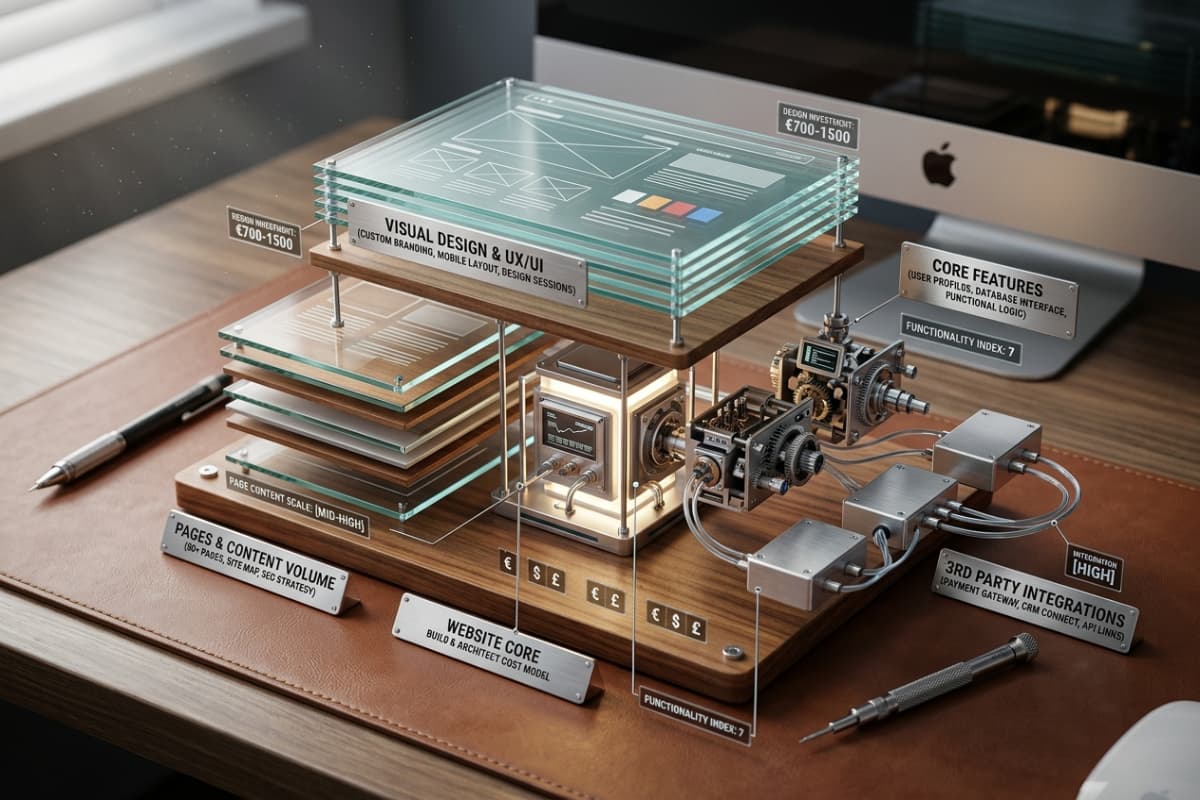
A website isn’t a single product with a fixed sticker price - it’s a bundle of decisions, and each decision moves the cost. Two “five-page business websites” can differ in price by 10x depending on the choices underneath them. These are the biggest cost drivers:
- Number of pages - a single landing page versus a 20-page platform with a blog, service pages and case studies.
- Custom design vs. template - a unique, branded design built for your business costs more than a pre-made theme everyone else is also using.
- Features - a contact form is cheap; user logins, dashboards, online payments, booking systems and search are real software and priced accordingly.
- Integrations - connecting payment gateways, a CRM, email marketing, or a booking/inventory tool each add scope.
- Content - do you already have the copy, photos and branding, or does that need to be created from scratch?
- Timeline - rush jobs cost more, because they push other work aside.
The single biggest lever is almost always the combination of custom design and custom features. A template site with off-the-shelf plugins can be assembled quickly; a fast, accessible, conversion-focused site built specifically around how your customers behave takes real engineering. That extra investment is also what protects you from the seven expensive problems I cover in 7 signs your website is losing you customers - slow load times, weak mobile experience and poor SEO are exactly the corners cheap builds cut.
Realistic price ranges in 2026
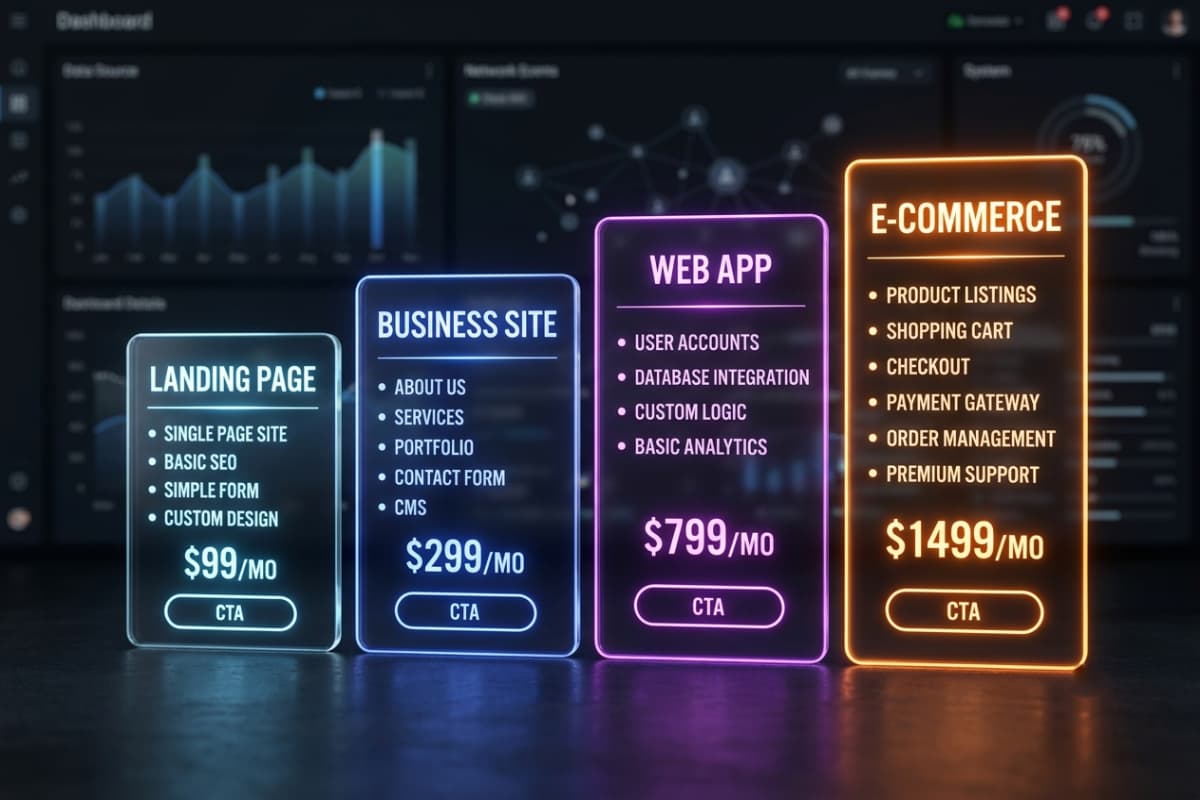
Here are honest, current ranges for the most common project types. A skilled independent freelancer typically sits at the lower-to-middle of each band, while agencies (with more overhead) sit higher - something I break down further in the hiring guide. Treat these as starting points, not quotes:
Landing page: $300 - $800
A single, polished page built to promote one product, service or campaign. It’s the ideal way to validate an idea or run paid ads without committing to a full site. Landing pages are fast to build and fast to launch, and because they have one job - convert a visitor into a lead or sale - they’re also the easiest to optimise later.
Business website: $1,500 - $4,000
A multi-page site - typically home, about, services, contact and often a blog - with a custom design, solid on-page SEO and a CMS so you can edit content yourself without paying for every tiny change. This is the sweet spot for most small and growing businesses, and it’s the tier most of my service packages are built around. Done well, it becomes a genuine sales channel rather than a digital business card.
Web app / SaaS: $5,000+
Custom software can include accounts, dashboards, databases, payments and administration, and implementation cost depends on those requirements. Secure authentication needs careful engineering; see the full-stack authentication guide. Foliora People and Indexloom Audit are personal projects in progress, currently at the interface-preview and planning stage. Their previews do not establish implementation cost or verified security.
E-commerce store: $2,500 - $8,000+
Product catalogues, carts, secure checkout, inventory and order management. Cost depends heavily on the number of products, how custom the shopping experience needs to be, and which platform you build on. A simple store on an established platform sits at the lower end; a bespoke, high-performance storefront designed to maximise conversions sits higher - and usually earns the difference back quickly.
DIY builders vs. hiring a developer
Before you spend anything, it’s worth asking whether you even need to hire someone. Drag-and-drop builders like Wix, Squarespace and WordPress can get a basic site online for the price of a monthly subscription, and for some businesses that’s genuinely enough to start. But they come with real trade-offs:
- DIY builders - low upfront cost and quick to launch, but templates look generic, performance is often mediocre, and you’re limited to what the platform allows. Monthly fees add up over years.
- A custom build - higher upfront cost, but you get a faster, unique site with clean code, stronger SEO, and no artificial ceiling on what it can do as you grow.
A good rule: if you’re testing an idea and just need a presence, a builder is fine. The moment your website becomes a serious source of leads or sales - or the moment its speed and design start affecting your reputation - it’s time to invest in something built properly. Many of my clients come to me after outgrowing a DIY site that stopped keeping up with them.
Cheap vs. custom: what you're really paying for
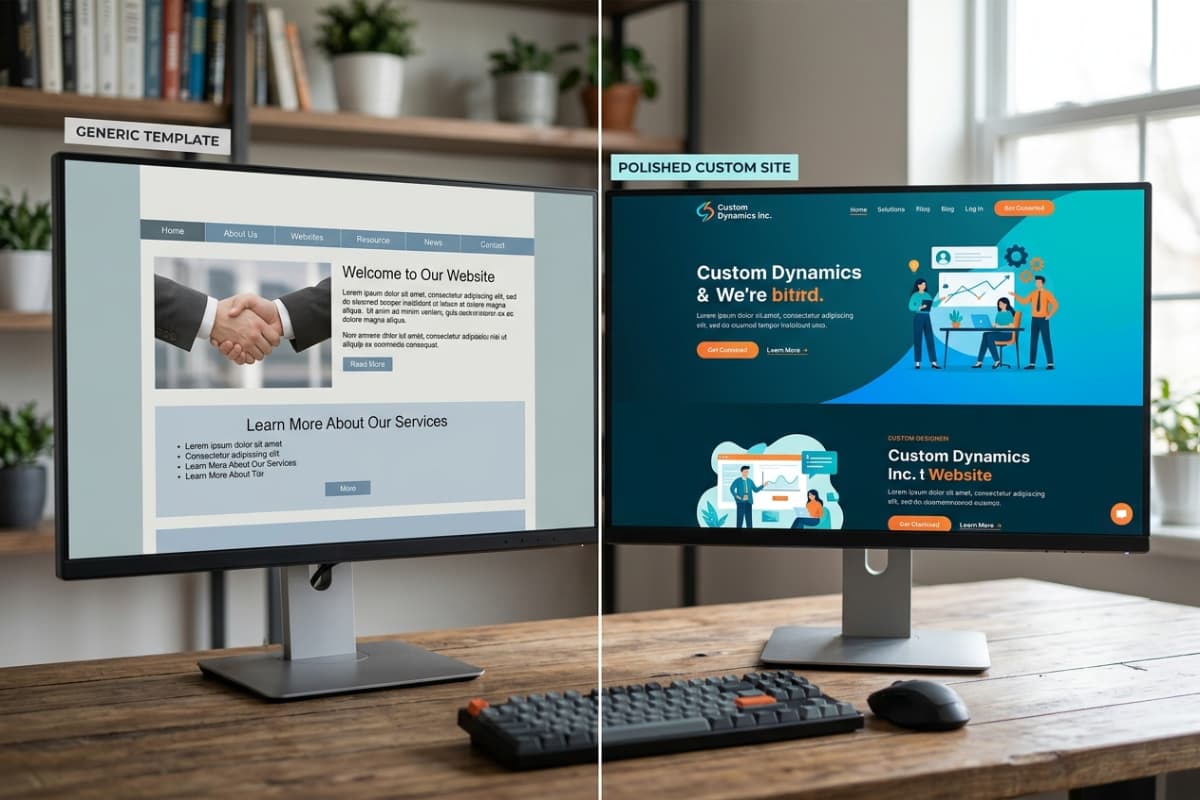
A $50 marketplace gig and a $3,000 custom build are not the same product wearing different price tags. Cheap sites usually mean generic templates, bloated page weight, slow load times, weak or non-existent SEO, and code you (or the next developer) can’t easily maintain or scale. A custom build gives you speed, a design that fits your brand, accessibility, code that grows with your business, and the technical foundations Google actually rewards.
The hidden cost of “cheap” is the business you never see: the visitor who bounced because the page took six seconds to load, the mobile user who couldn’t tap your menu, the prospect who didn’t trust a dated design. Those silent losses dwarf the few hundred dollars you saved. I break down each of those leaks - and how to fix them - in 7 signs your website is losing you customers.
Fixed price vs. hourly billing
How you’re billed matters as much as the number itself. Hourly billing can spiral: you carry all the risk if the work runs long, and you rarely know the final figure until it’s too late. A fixed price against a clear, written scope puts that risk on the developer instead - you know exactly what you’re paying and exactly what you’re getting. For almost every small-business project, a fixed quote is the safer, saner choice. It’s how I quote every project: everything agreed in writing, no surprises, no calls required.
Don't forget the ongoing costs
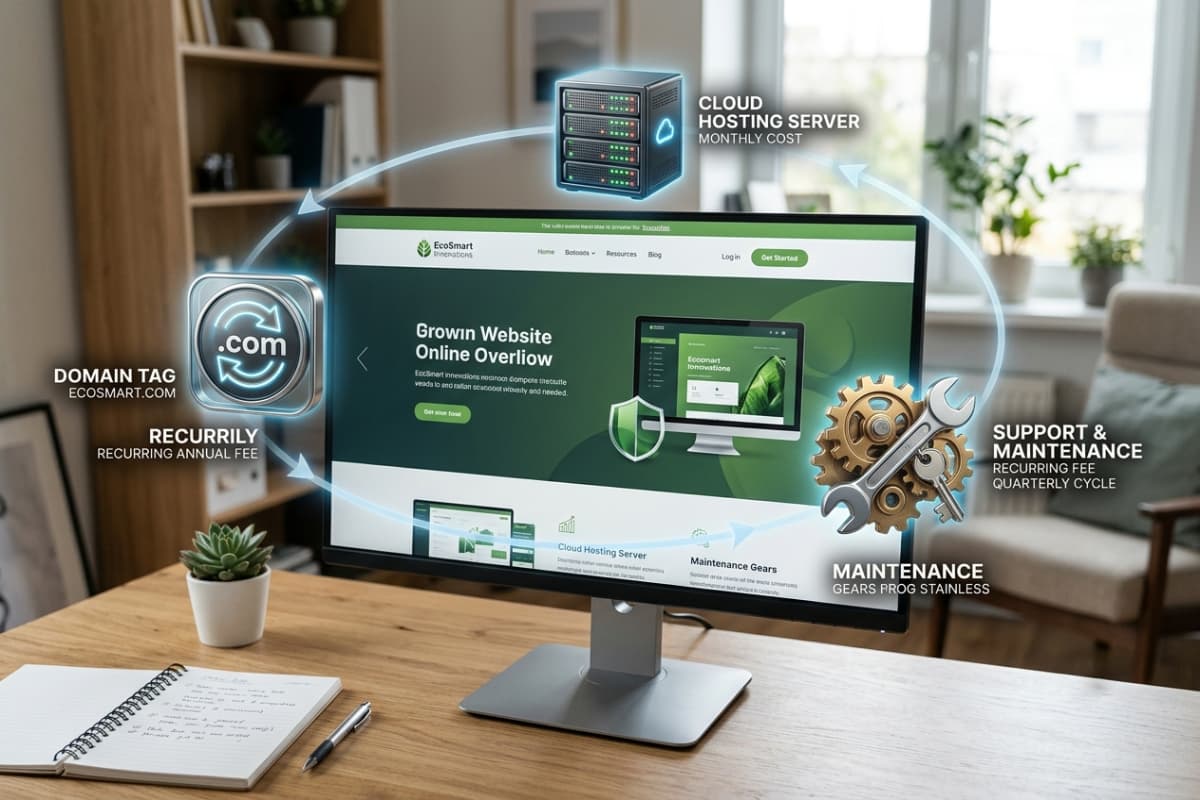
The build price is only part of the picture. A website is a living asset, and a few small recurring costs keep it healthy, secure and fast:
- Domain name - roughly $10 - $20 per year.
- Hosting - from effectively free for modern static or Next.js sites, up to $20 - $50/month for heavier applications with databases.
- Maintenance - updates, backups, security patches and small tweaks. Optional monthly plans keep everything running smoothly.
- Content & SEO - publishing new pages or blog posts over time is what compounds your traffic (this very blog is an example of that strategy in action).
- Third-party tools - email marketing, analytics, booking or payment services may carry their own subscriptions.
Good news: modern tooling has pushed ongoing costs down. A well-built Next.js site can often be hosted for free or near-free at small scale, and clean code means maintenance is cheaper because things simply break less often.
How much should you actually spend?
Match the investment to where your business is right now, not to what a competitor spent:
- Brand-new / testing an idea - a landing page or lean business site. Spend enough to look credible; don’t over-build before you have traction.
- Established and generating leads online - a proper custom business site with strong SEO and conversion design. This is where the return is highest.
- Scaling / needs custom functionality - a web app, portal or e-commerce platform. Here the website is the product, so it deserves the biggest slice.
How to get the best value
- 1Get a fixed quote based on a clearly written scope - avoid open-ended hourly estimates.
- 2Prioritise speed and mobile experience - they directly affect both sales and Google rankings.
- 3Insist on a CMS so you can edit content yourself and aren’t billed for every small change.
- 4Choose someone who treats SEO as a foundation, not an afterthought bolted on at the end.
- 5Ask to see live, working examples - real URLs you can visit, not just screenshots.
That last point is where most regret comes from, which is why I dedicate a whole section to it in the hiring guide. Quality and clear communication beat the lowest bid every single time.
Frequently asked questions
Is a cheap website worth it?
Sometimes - if you genuinely just need a temporary placeholder. But for a business that relies on its site for leads or sales, “cheap” usually means slow, hard to find on Google, and quietly losing you customers. In most cases it costs more in missed business than you saved on the build.
How long does it take to build a website?
A landing page can be ready in days. A typical custom business website takes two to four weeks depending on scope and how quickly content and feedback come through. Web apps and e-commerce platforms take longer because there’s far more to design, build and test.
Can I update the website myself after launch?
Yes - as long as it’s built with a CMS. Insist on this. It means you can edit text, swap images and publish blog posts without paying a developer for every small change. It’s one of the highest-value things you can ask for.
Do I have to pay every month?
You’ll always have a small domain and (sometimes) hosting cost. Maintenance plans are optional - useful if you want ongoing updates and peace of mind, but not mandatory. There should be no surprise recurring fees you didn’t agree to upfront.
If you’d like a transparent, fixed quote for your project, take a look at my web development services, browse some recent work, or send me a message - no calls required, everything in writing. And if you’re still weighing up who to trust with the build, read how to hire the right web developer next.
Written by
Ali Rehman - Full Stack Developer
I build fast, scalable web applications with React, Next.js, Node.js & TypeScript. Have a project in mind? Send me a message and get a written plan with a fixed quote - start here.
More articles by Ali Rehman →