
Google Business Profile Optimization: How to Rank Higher on Google Maps in 2026
Your Google Business Profile decides whether locals find you or your competitor - before your website ever loads. Here is the complete 2026 optimization checklist: the category trick, the review engine, photo guidelines, weekly activity, and fixes for profiles that refuse to show up.
 Ali RehmanFull Stack Web Developer
On this page 9 sections
When someone nearby searches “plumber near me” or “best dentist in town,” Google answers with a map and three businesses. Most searchers never scroll past those three. That box - the map pack - is decided almost entirely by your Google Business Profile, a free listing many owners set up once, half-fill, and forget. Meanwhile the competitor who treats it like a storefront quietly takes the calls.
I build websites for local businesses, and I will say something web developers rarely admit: for a local service business, an optimized Google Business Profile often produces the first leads before the website does. The two work as a system - the profile wins the click, the site wins the customer - which is why my local SEO guide treats them together. This article is the deep dive on the profile side: the exact optimization checklist I use, in the order that moves rankings.
How Google decides who ranks in the map pack
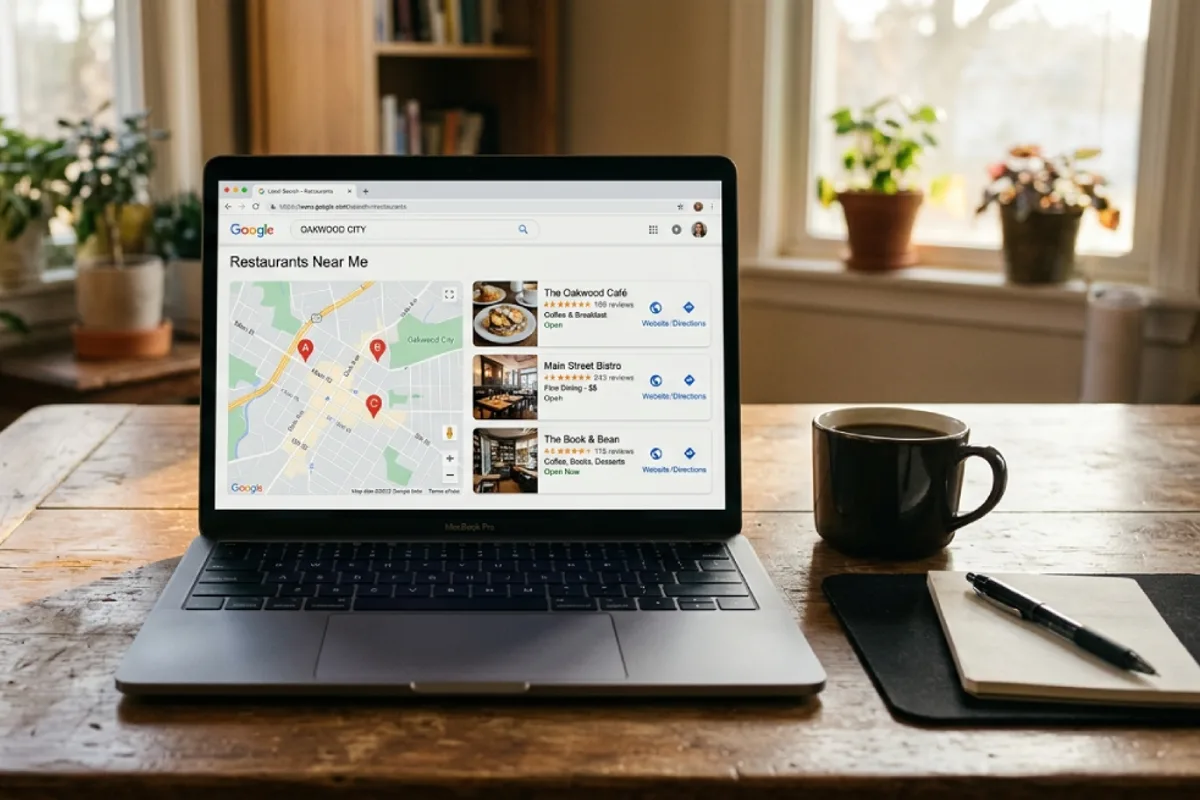
Google states its local ranking factors openly: relevance (how well your profile matches the search), distance (how close you are to the searcher), and prominence (how established and trusted you look - reviews, activity, links, mentions). You cannot move your shop closer to every searcher, so practical optimization is a two-front game: make the profile obviously relevant for the services you want, and build prominence signals week after week.
One mindset correction first: ranking is per-search and per-location. You might be #1 for “emergency plumber” two streets away and invisible across town - that is distance working as designed, not a penalty. Judge progress by calls, direction requests and website clicks in your profile’s performance tab, not by your own biased searches from inside your shop.
The optimization checklist: information that ranks

“Google business profile optimization checklist” is one of the most-searched phrases in this space, so here is the working version - in priority order:
- 1Claim and verify the profile. Unverified profiles barely rank and can be edited by strangers. Verification is usually video or postcard now - do it once, properly.
- 2Use your exact real-world business name. Not “Smith Plumbing | Best Emergency Plumber 24/7.” Keyword-stuffed names violate policy, and competitors report them - it is the fastest route to a suspension.
- 3Choose the right primary category - the single biggest ranking lever. “Google business profile categories list 2026” is its own search family for a reason: there are ~4,000 categories and your primary one heavily filters which searches you can appear for. Pick the most specific match for your money service (“Emergency plumber” beats “Plumber” if that’s the work you want), then add secondary categories for everything else you genuinely do.
- 4Fill every service with a description. Under each category, list services with real descriptions - these feed relevance for long-tail searches like “tankless water heater installation.”
- 5Write the 750-character description for customers, not robots. What you do, who you serve, what makes you different, the area you cover. Keywords appear naturally when you describe the business honestly.
- 6Nail hours, phone and address - then keep them identical everywhere. Google cross-checks your info against your website and directories; mismatches erode trust. Same rule as the NAP consistency step in the local SEO playbook.
- 7Link to the most relevant page, not always the homepage. A profile for your “kitchen remodeling” category converting on a generic homepage wastes the click - deep-link to the matching service page. If your site doesn’t have service pages, that’s a page architecture problem worth fixing first.
- 8Set attributes honestly - women-owned, wheelchair accessible, online estimates - they appear in searches and filters more than owners realize.
Photos: the trust signal owners skip
“Google business profile photos” searches are dominated by problems - size, guidelines, rejected, pending - so here is what actually works. Upload real photos: your storefront, team, trucks, completed jobs, before-and-afters. Skip stock images entirely; Google’s systems and human reviewers both flag them, which is why photos sit “pending” or get rejected. Technical basics: JPG or PNG, at least 720×720 pixels, well-lit and uncropped - no text overlays or heavy filters on the main shots.
Then make it a habit, not a one-time dump: a few new photos every month signal an active business. Profiles with recent, plentiful photos consistently earn more direction requests and website clicks - and a customer comparing three map-pack results almost always picks the one where they can see the work. The same photos feed your website’s portfolio and your content, so shoot once, use everywhere.
Reviews: the engine behind map rankings

“Do google reviews help SEO?” Yes - measurably. Review quantity, recency, velocity (a steady trickle beats an old pile), the keywords customers use in review text, and owner responses all feed the prominence side of ranking. A business collecting four honest reviews a month will, within a year, usually outrank a rival sitting on a five-year-old stack.
How to get more Google reviews - the compliant, repeatable way:
- Get your review link from the profile dashboard (“Ask for reviews”) and put it everywhere: invoices, email signatures, receipts, a QR code at the counter or on the van.
- Ask at the moment of delight - job done, problem solved, compliment received. A person-to-person “it genuinely helps our small business” outperforms any automated blast.
- Make it a process, not a mood. Every completed job triggers one ask - by text works best. Consistency is the entire secret to velocity.
- Never gate or buy. Filtering unhappy customers away from Google (“review gating”), incentivized reviews, and bought five-stars all violate policy - and are a common hidden reason “reviews not showing up.”
- Respond to every review as the owner - “how to respond to google reviews as a business owner” is its own search family because it matters: thank the positive ones specifically (“Glad the water heater install went smoothly”), and answer negative ones calmly - acknowledge, state your side factually, take it offline. Future customers read your replies more carefully than the reviews themselves.
Posts, Q&A and the weekly activity habit
An optimized-but-silent profile slowly loses ground to an active one. The activity loop takes fifteen minutes a week: publish a post (an offer, a finished project, a seasonal reminder - with a real photo and a call-to-action button), check and answer questions in the Q&A section, and confirm hours around holidays. Two details owners miss: anyone can ask and answer questions on your profile - so seed it yourself with your five most-asked questions and answer them as the owner; and messaging, if you enable it, must be answered fast - slow responses get the feature quietly disabled. If enquiries are slipping through the cracks, a simple free CRM keeps every profile lead tracked and followed up.
“How often should I update my Google Business Profile?” Weekly touch, monthly photo batch, quarterly full audit of categories, services and hours. Put it on the calendar next to invoicing - it is marketing that costs time instead of money, exactly like the other channels in how to get traffic to your website.
Troubleshooting: not showing up, or suspended
The two panic searches - “google business profile not showing up” and “google business profile suspended” - have unglamorous, fixable causes:
- Not showing after verification: new profiles take days to weeks to stabilize. Meanwhile complete every field - thin profiles are the ones Google hesitates to surface.
- Visible to you, invisible across town: that’s distance, not disaster. Expand prominence (reviews, photos, activity) and give your website real service-area relevance with location pages - part of the broader plan in the local SEO guide.
- Reviews not showing: usually the spam filter (new accounts, review bursts, incentives) - fix the practice, not the symptom.
- Duplicate listings split your reviews and confuse ranking - find and merge or remove them in the dashboard.
- Suspended “for no reason”: there is almost always a reason - a keyword-stuffed name, a virtual/residential address presented as a storefront, a category change, or bulk edits that tripped the filters. Fix every violation first, then file one careful reinstatement request with documents ready (license, utility bill, storefront photos). Repeated frantic appeals slow everything down.
- Website says “not showing on Google” too? Different problem, different fix - work through why your website doesn’t show up on Google.
Your profile wins the click - your website closes the customer
One update owners still miss: Google retired its free Business Profile websites back in 2024 - profiles that relied on them got redirected, then dropped. The message was clear: the profile is a doorway, not a destination - and leaning on any free builder as your only web presence carries the same risk, as covered in AI website builders vs hiring a developer. Searchers who don’t call immediately click through to your site, and what happens next decides everything - a slow, dated or confusing site quietly loses the customers your profile just won. If the site takes ages to load, start with why your website is slow; if it gets visits but no calls, it’s a conversion problem.
The profile and the site also feed each other’s rankings: your website’s local relevance - service pages, city pages, LocalBusiness schema markup, the technical basics in the technical SEO checklist - strengthens the profile’s prominence, and the profile funnels ready-to-buy visitors back. That loop is why local businesses with a real website and an optimized profile dominate the ones with either alone - and if you’re still weighing whether a proper site is worth it, the honest math is in do I need a website in 2026 and the website cost guide.
The 30-day Google Business Profile plan
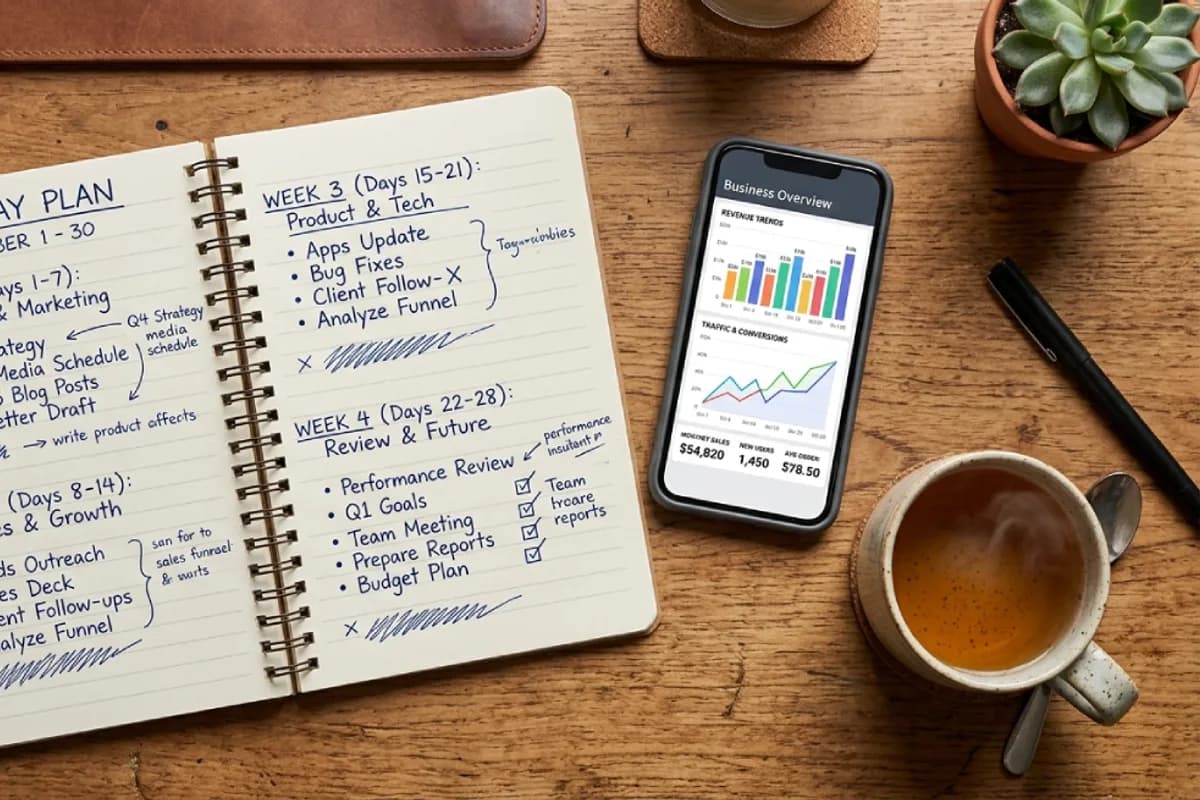
- 1Week 1 - Foundation: verify (or recover) the profile, correct the name, choose the primary category deliberately, add every secondary category and service with descriptions, write the 750-character description, align hours/phone/address with your website.
- 2Week 2 - Proof: upload 15–20 real photos (storefront, team, jobs), set attributes, seed five Q&A entries, publish your first post.
- 3Week 3 - Reviews: get the review link into invoices/receipts/QR, personally ask your ten happiest recent customers, respond to every existing review - including the old negative one you’ve been ignoring.
- 4Week 4 - Loop & measure: set the weekly 15-minute slot (post + Q&A + review replies), check performance metrics (calls, directions, clicks), and deep-link each category to the matching service page on your site.
That’s the whole system. It costs no money, roughly ten hours in month one, and an hour a month after - and for most local businesses it out-earns paid ads within a quarter. If you’d rather see where SEO spend does make sense beyond the free work, the honest numbers are in how much SEO costs.
The bottom line
Google Business Profile optimization is not a trick - it is disciplined completeness plus weekly proof that your business is alive: the right category, honest information, real photos, a steady stream of answered reviews, and a website that converts the click. Do the boring things consistently and the map pack follows. Skip them, and no amount of website polish will put you in front of the customer standing two streets away, phone in hand.
Written by
Ali Rehman - Full Stack Developer
I build fast, scalable web applications with React, Next.js, Node.js & TypeScript. Have a project in mind? Send me a message and get a written plan with a fixed quote - start here.
More articles by Ali Rehman →