
WordPress Contact Form Not Sending Email? 7 Checks and Fixes (2026)
A successful form submission does not prove an email reached your inbox. Follow the enquiry from the form to your mail provider, fix the right settings, and verify the result without blindly replacing plugins.
 Ali RehmanFreelance Web Developer
On this page 11 sections
Your contact page loads. The form accepts a message and displays a success notice. But the enquiry never appears in the inbox your business checks. If your WordPress contact form is not sending email, rebuilding the page is not the first step: you need to find where the message stopped.
This guide covers Contact Form 7, WPForms and Elementor's Form widget, with a provider-neutral troubleshooting order. It is about missing enquiry notifications, not a particular client's results or a promise that one plugin fixes every site. If your wider goal is getting more website leads, checking that existing enquiries actually arrive belongs before buying more traffic.
Why a form can say sent without an email arriving
There are separate stages: the browser submits the form, the form plugin processes it, a notification is handed to a sending service, and the receiving mail system decides what to do with it. An entry saved in WordPress, a successful sending call and an email visible in your inbox are different pieces of evidence.
WordPress documents that a true result from wp_mail() does not establish that the recipient received the message. Likewise, Resend's event definitions distinguish an accepted sending request from delivery to the recipient's mail server. Even server delivery does not tell you whether the message landed in the inbox, junk folder or quarantine.
1. Record one test and identify where it stops
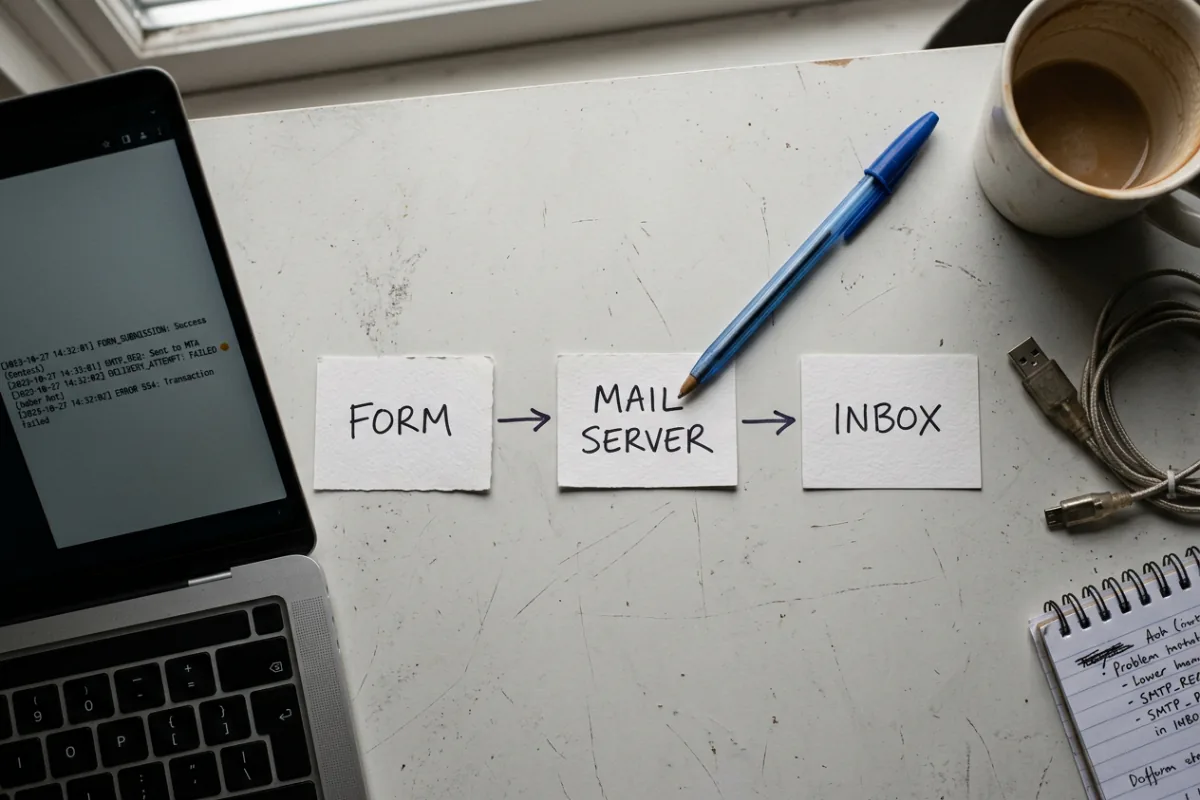
Use only your own site or one you are authorized to test. Submit a clearly labelled enquiry with a unique marker, such as FORM-TEST-0929-A, an email address you control and no customer information. Record the page URL, time and time zone, form name and exact response. Notify whoever receives enquiries so they do not mistake it for a real lead.
- The button spins, validation fails or the page shows an error: investigate the submission request and server response. Do not assume SMTP is the cause.
- The form confirms success but no email arrives: check the form's recipient and notification settings, then its sending path and delivery evidence.
- A mailer test arrives but the form notification does not: prioritize form-specific settings, conditional rules, headers and integrations. The two messages may not follow identical paths.
- The notification reaches one controlled inbox but not another: investigate recipient filtering, forwarding and authentication results. That is different from WordPress sending nothing.
Search junk, archive, deleted mail and any administrator-managed quarantine for that marker. If your current form setup already stores entries, look for the matching record. Before changing plugins, export relevant settings and take a restorable backup. These small evidence checks make scoped website maintenance more useful than changing several things and hoping.
2. Check the notification for the form you actually use
Edit the exact form embedded on the affected page, not an old copy with a similar name. Confirm its notification is enabled, the recipient address is correct, and any conditional rule matches your test. A thank-you message or redirect can be configured separately from an email notification. The WordPress administrator email is not automatically the recipient of every form.
Contact Form 7 not sending email
Open the form under Contact → Contact Forms and review its Mail tab. Check the To address, From address, subject, message body and field tags. A renamed email field needs its new tag used in the mail template too. Do not put an optional field into a required mail header without a valid fallback. Contact Form 7's mail configuration guidance explains both sender identity and Reply-To.
If you use Mail (2) for a visitor acknowledgement, test that separately from the business notification. One arriving does not prove the other works. The official FAQ also explains why a successful response does not guarantee receipt and why you cannot assume Contact Form 7 has saved the message.
WPForms not sending email notifications
In the form builder, inspect Settings → Notifications. Check that the intended notification is active, its Send To address or smart tag resolves correctly, and any conditional logic permits this submission. If a copied form still points to a previous owner, fixing SMTP will not change that recipient. Follow WPForms' notification checks for your installed version.
Also review any queued-sending setting. WPForms documents that Optimize Email Sending can delay notifications on low-traffic sites and is not a fix for delivery failures. Check queued or scheduled work before treating a delayed message as permanently lost; repeated submissions can create duplicates once a queue resumes.
Elementor form not sending email
For Elementor's Form widget, check Content → Actions After Submit includes Email, then review the Email section's To, From Email and Reply-To fields. Use field shortcodes from that actual form. Elementor's email-settings documentation notes that unrelated shortcodes can cause errors. Other Elementor form products or versions may have a different interface.
If the form also creates a CRM contact, test that action separately. An integration can fail even when an email succeeds, or vice versa. Lead capture and follow-up are separate responsibilities; the small-business CRM guide covers the workflow after the form has captured an enquiry.
3. Fix From, To and Reply-To before changing plugins
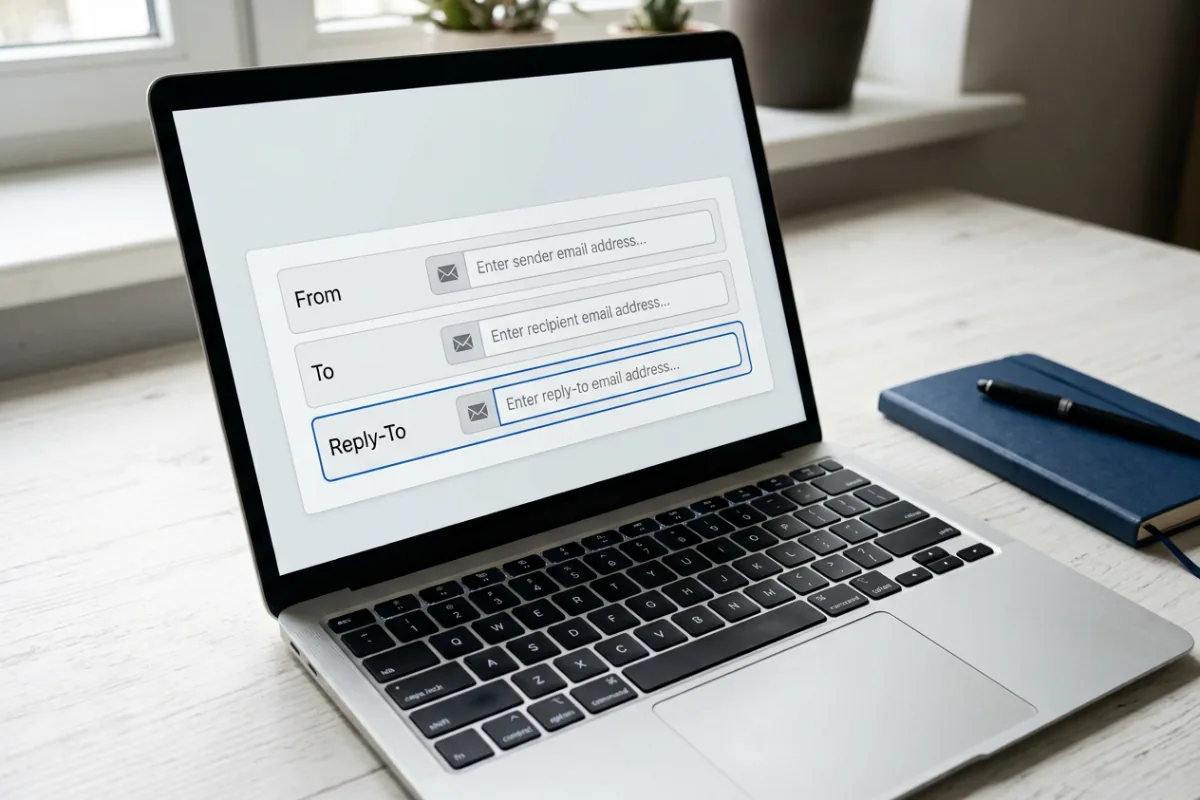
A common mistake is using the visitor's email address as the notification's From address. Your site is then claiming to send as a domain it does not control. Instead, use a business-domain sender that your chosen mail service authorizes. Put the visitor's validated email field in Reply-To so the business can answer them normally.
- From: Website enquiries <forms@example.com> — a sender on the business domain, verified or otherwise authorized by the actual sending provider.
- To: enquiries@example.com — the real, monitored destination for the notification.
- Reply-To: visitor@example.net — supplied by the form's validated email field, using the correct tag for that plugin.
These reserved example domains explain the roles; do not paste them into a real form. Use addresses you own or are authorized to use. A sender address may also need an actual mailbox or alias under your host's rules. Typing a new address into From does not create a mailbox or authorize a provider. The business email setup guide covers that separate task.
Check whether your mailer forces a site-wide From address, overriding the form. Compare the final received headers where available rather than trusting only the editor. Keep the business as the clear sender, validate visitor fields and use the plugin's header controls instead of constructing raw headers from unchecked input. A familiar display name alone is not sender authentication.
4. Test and configure the WordPress sending connection
Run one test to an inbox you control through the existing mailer's diagnostic tool, if it has one. Save its error message and correlate it with the provider or host log. If this test fails too, check the sending connection before repeatedly editing the form. A successful test is useful evidence, but it bypasses parts of the real form.
An authenticated SMTP connection or a supported email-provider API integration can give WordPress a configured sending route. First check what your host already provides; a second plugin is not automatically necessary. If a connector is needed, choose a maintained one compatible with your provider and WordPress installation. Installing it is not enough: the provider, sender and credentials still need correct configuration.
- 1Confirm the provider account is active and the sending identity is approved. Check applicable quotas and any sandbox restrictions.
- 2Use the provider's current connector instructions. For SMTP, its hostname, port and TLS mode must match; for an API connector, use its documented authorization method.
- 3Check whether credentials were revoked or an OAuth connection needs reauthorization. Do not disable TLS verification or weaken account security to make an error disappear.
- 4Ask the host about a connection error or blocked outbound port, using the recorded timestamp. Avoid guessing ports or enabling unrestricted mail relay.
- 5Review overlapping mailer plugins and host integrations. Keep one intended sending configuration rather than stacking connectors that override each other.
Keep keys, passwords and authorization tokens out of screenshots, public support threads and AI chats. Grant a developer only the access needed, through an agreed secure channel. If the issue started after moving the site, compare sender verification, credentials and outbound network rules with the old setup. Email belongs on the migration checklist, not just the visual page review.
5. Trace spam, bounces and DNS authentication
If the sending connection accepts the message, look for the specific notification in the provider log. Match the time, recipient and message ID where available. A queued or sent status is not the same as delivered. A temporary delay may be retried by the service; a permanent bounce needs its stated cause addressed. A suppression can stop attempts altogether. Do not repeatedly resend to a suppressed address without understanding why it was blocked.
If the provider reports delivery to the receiving server, ask the recipient administrator to inspect filtering, quarantine, aliases and forwarding. Check the inbox directly before blaming WordPress. Compare results at two accounts you control if possible. An email arriving at one provider is evidence for that test, not proof of universal delivery.
For messages that land in spam, review the sending domain's authentication and the received headers. SPF authorizes sending systems for the envelope-sender domain. DKIM signs messages with a domain identity. DMARC connects authentication to the visible From domain: a passing SPF or DKIM identity must align with it. A DNS checker showing a record exists is not the same as a particular message passing these checks.
Follow your actual providers' DNS instructions. Google's SPF guidance specifies one SPF policy per sending domain or hostname. If you add a sender, preserve the other authorized senders instead of creating a second competing SPF record or overwriting the existing one. Add the correct DKIM records, and assess legitimate senders before tightening DMARC enforcement. Do not remove protective records to hide an error.
For personal Gmail recipients, Google's sender guidelines distinguish the minimum of SPF or DKIM for all senders from the SPF, DKIM and DMARC requirements at the 5,000-or-more daily-message tier. Google recommends all three more broadly. Do not misread bulk-sender rules as a requirement to buy a particular WordPress plugin. Authentication helps, but no provider can promise every message lands in the inbox.
Keep ordinary receiving-mail MX records unless you are intentionally moving that mailbox service. A sending provider may request records on a dedicated subdomain; those are not permission to replace your main mailbox routing. This separation between a website, mailbox and outgoing service is also useful when reviewing hosting options.
6. If the form itself fails, check scripts and integrations
A stuck spinner or server error needs a different investigation from a missing notification. A developer can inspect browser console errors, the form request's response, and matching server logs. Record the actual error rather than assuming a particular HTTP status always means the same thing. A failed CRM action, invalid field mapping or PHP error can interrupt a submission even with working SMTP.
On staging, or in a carefully controlled troubleshooting session, isolate recent changes one at a time: script optimization, caching, form add-ons, anti-spam settings and external integrations. Back up first. Do not disable every plugin, remove the firewall or turn off spam protection across a live business site. Elementor's form troubleshooting documentation covers several integration and field-configuration causes.
Test the published page while logged out and on a phone. Mobile-only problems may involve an overlay, inaccessible control or differently loaded script rather than mail transport. Keep labels, keyboard operation and clear error feedback intact; the website accessibility guide explains why a technically working form can still be difficult to complete. If optimization triggered the problem, revisit that change instead of abandoning all WordPress performance work.
7. Retest the public form from start to finish
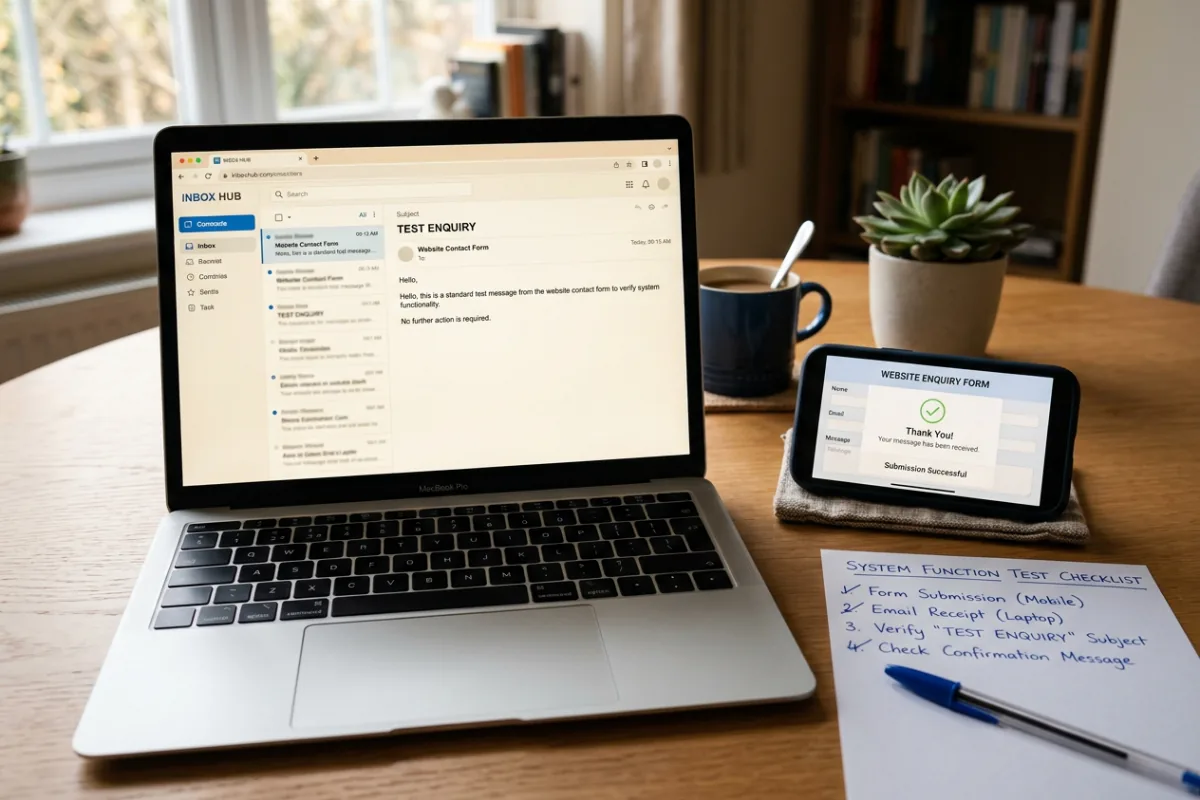
Once you have changed the suspected setting, repeat a clearly labelled test through the public form. Use a fresh marker for each attempt. Record the result before making another change. Your website launch checklist should cover the whole path, even when the work was only a small repair.
- 1Submit valid test data from a logged-out desktop browser and a real phone. Check that success or failure is visible and understandable.
- 2If submission storage is configured, confirm exactly one corresponding entry exists. Do not assume every plugin or plan stores entries.
- 3Confirm the business notification reaches the intended monitored inbox. Check its actual sender, field values and Reply-To; reply only to the controlled test address.
- 4Test any visitor acknowledgement separately. Review whether it exposes submitted content or could be abused to send unsolicited messages.
- 5Confirm the CRM or other integration received the right test record, if that action is in scope. Check for duplicate notifications and unexpected recipients.
- 6Remove test records under your normal retention process and document the configuration change, evidence and person responsible for future checks.
Do not count a button click or thank-you page as proof that staff received a lead. Analytics can measure a defined submission event, while mail logs and inbox checks answer delivery questions. Keep customer names, emails and message contents out of analytics events.
Can you recover missing enquiries and prevent a repeat?
Recovery depends on what was recorded at the time: stored form entries, an authorized CRM integration, provider logs or a retained backup. Logs may contain only metadata, not the message body. Contact Form 7 does not store submissions by itself; installing a storage add-on now does not recreate yesterday's missing messages. Do not promise recovery until you have located an actual retained record.
Where appropriate, keep a protected submission record independent of email delivery, with restricted access and a defined retention period. Do not retain every attachment and message indefinitely or expose logs publicly. Review the privacy implications of sending form contents to a third-party mail provider. A temporary alternative contact method can help during an outage, but test that route too.
Assign someone to review delivery failures and run periodic synthetic tests, particularly after plugin updates, host moves and credential changes. The frequency should fit the site's importance, not an invented universal timetable. Include this responsibility when discussing maintenance scope and cost; a vague promise to keep plugins updated is not the same as checking enquiries.
Frequently asked questions
Why does my contact form say sent but I receive nothing?
The form may be reporting successful processing or a successful sending call, not inbox delivery. Verify its recipient settings, check saved entries if enabled, inspect the mail-service log and search the receiving system's junk or quarantine. Use one labelled test so you can connect the evidence.
Why does the SMTP test work while the contact form does not?
The test bypasses some form-specific steps. The form may have a disabled notification, a different recipient or From address, a broken field tag, conditional logic, or an integration error. Compare the actual notification with the test instead of reinstalling the mailer first.
Can I receive WordPress form emails in Gmail?
Yes, if you control that destination and the messages are accepted under Gmail's rules. The destination being Gmail does not mean your site should impersonate a Gmail address in From. Use your authorized sender, configure authentication for that sending service and verify a real form notification.
Why did notifications stop after a migration or update?
Compare what changed: host mail transport, outbound connections, sender verification, DNS, credentials, field tags or plugin behavior. A migration can leave the page looking correct while its email configuration is incomplete. Use timestamps and logs rather than assuming the latest update is definitely responsible.
Do I need a paid SMTP plugin to fix this?
Not necessarily. A recipient or header correction may be enough; some hosts provide a suitable sending service, and some connectors have free options. Provider quotas, account approval, logging and support differ. Choose for the actual requirements, not a claim that paying guarantees delivery.
Should I replace the form plugin or rebuild the website?
Not before diagnosis. Changing the form will not automatically repair a blocked sender, incorrect DNS or a recipient's quarantine. Replacement may be justified for unsupported software or requirements the current form cannot meet, but document that reason and preserve existing records first.
What to send a developer when you need help
Send the public form URL, plugin name and version, symptom, test time and time zone, and a redacted error message. Say whether the mailer test, stored entry, business notification and visitor acknowledgement succeeded. This is enough to scope an initial investigation; it is not enough to certify private DNS, mail logs or server settings from the URL alone.
Written by
Ali Rehman - Freelance Web Developer
I work on WordPress websites, practical fixes and scoped web applications. Read my background and skill scope, or send a project brief to discuss a written plan and quote - start here.
More articles by Ali Rehman →