
Website Handover Checklist: What to Get Before You Sign Off
A website handover is more than a password and a folder. Use this owner-focused checklist to confirm account control, usable files, recovery and support, then record what is accepted and what still needs work.
 Ali RehmanFreelance Web Developer
On this page 10 sections
The website is working. The developer has sent a folder and an invitation. Before you call the handover complete, ask a different question: can your business operate the site, renew its services and get help without depending on that person's private account? This website handover checklist turns that question into practical checks.
Use this when receiving a new website or moving an existing one to a different developer. It is not another launch checklist or a demand to change hosting. The guidance is based on official documentation reviewed on October 13, 2026, with original blank worksheets and a fictional example—not a claim that a particular client's handover was tested.
What should a website handover include?
- Account inventory: domain registration, DNS, hosting, CMS, email, analytics and essential integrations, with the owning organisation and access responsibilities recorded separately.
- Deliverable inventory: agreed source files, content, media, custom functionality, licences and a usable recovery package.
- Operating instructions: how your team makes routine changes, where support requests go, and which tasks need technical help.
- Acceptance evidence: the checks actually performed from the receiving side, their results and any limitations.
- Continuity plan: billing, renewals, maintenance, emergency contacts and the treatment of departing accounts.
Keep the working record private. It can contain account identifiers, staff contact details and commercially sensitive information even when it contains no passwords. A public download should be an empty template, not your completed handover document.
1. Agree what is changing before moving anything
Write one sentence defining the transition: a finished build becoming owner-managed, a new maintenance provider taking over, or an agreed move to different hosting or software. These are not interchangeable. If you are still selecting the person, use the separate guide to choosing a new web developer before negotiating the handover.
Name the business representative allowed to approve access and changes. Confirm which assets the contract delivers and which services remain managed by the supplier. Technical administrator access does not, by itself, settle legal ownership of a design, domain or licence. Record a disputed asset as unresolved and use the agreement and appropriate professional advice rather than guessing.
Changing developer does not automatically require a domain transfer. Registrar transfer, registrant changes, nameserver changes and website hosting changes are separate operations. ICANN's Transfer Policy includes conditions and transfer restrictions for covered domains; country-code domains can follow different rules. Confirm the actual registrar's process before changing ownership details or promising a completion date.
If the current hosting works, access changes may be enough. Compare hosting options only when a move serves a real requirement. Do not bundle an unnecessary migration into a routine change of support provider.
2. Confirm who controls the accounts
For each critical service, record the provider, project or account identifier, owning organisation, receiving administrator, recovery method, billing responsibility and planned vendor access. Record a vault-item reference for credentials, not a password or a secret-bearing share link.
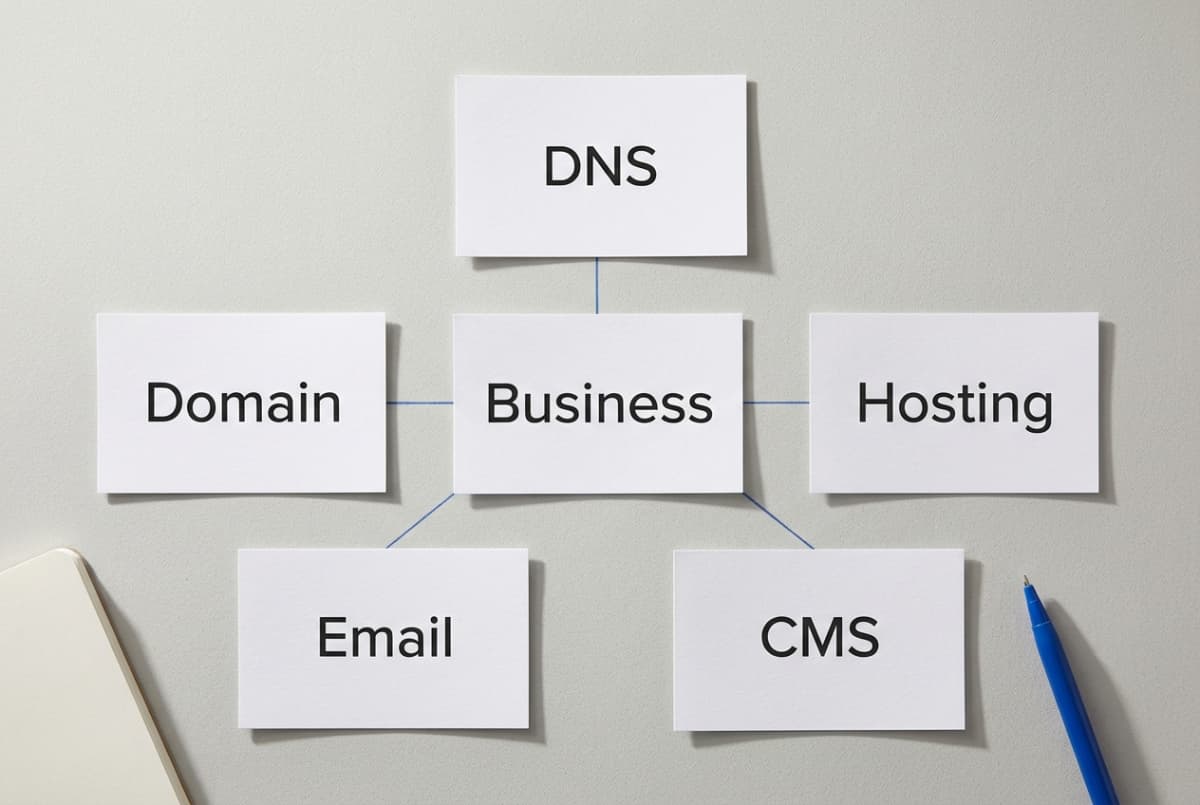
- Domain registrar: can an authorised business representative reach the correct registration, renewal settings and recovery controls? A public registration lookup is useful context, not proof that you can administer the account.
- DNS: identify the service actually hosting the authoritative records. It may differ from the registrar or website host. Keep an approved record of the current configuration before any move.
- Hosting and deployment: confirm the correct production project, service plan, invoices and the permissions the incoming operator needs. A preview link is not hosting administration.
- CMS: sign in with your own account and verify the intended role. On WordPress, Editor and Administrator do different jobs; Multisite can add a separate network administrator.
- Email and forms: identify mailbox hosting, the website's sending service, form recipients and the person responding to enquiries. They need not be one provider.
- Connected tools: include the existing Search Console property, GA4 property, repository, payment provider, CRM, booking tools and any integration the site depends on.
The WordPress role reference explains CMS capabilities. Check the effective permissions too: plugins can modify them. You might need an owner-controlled administrator for account management and a less-privileged editor for everyday content work.
Test access independently, not inside the outgoing developer's signed-in browser. Confirm that invitations were accepted, the intended project is visible and the business controls the relevant recovery route and multifactor authentication. Use the provider's documented recovery process; do not trigger a destructive reset just to prove a point.
Preserve email configuration during DNS work. Google's DNS basics distinguishes records used for web routing, mail and verification. Do not remove unfamiliar MX or TXT records without identifying their purpose. The business email setup guide explains why a website host, mailbox and sending service are different things.
3. Collect usable files, data and licence information
Start from the agreed deliverables rather than asking for an indiscriminate export of the agency's account. Your website's files should not include another client's material, the developer's personal credentials or unrelated repositories. Record any excluded, supplier-owned or licensed component explicitly.
- WordPress: include the required database, uploads, theme or child theme, custom plugins and relevant configuration. Identify where custom fields, page-builder templates and important forms are stored.
- Custom applications: include the correct repository, release reference, supported runtime, dependency lockfile, build instructions, database migration process and deployment procedure. Share environment-variable names and secure storage references, not secret values in the document.
- Hosted website builders: confirm what the platform transfers between accounts and what its export actually contains. Do not promise a runnable copy of functionality the platform cannot export.
- Assets and subscriptions: list editable design sources, images, fonts, paid plugins and service subscriptions, with their licence owner, permitted use and renewal responsibility.
For WordPress, a content export is not a full backup. Tools → Export creates WXR/XML content data. The WordPress backup documentation separately describes database and file backups. A useful recovery package needs the appropriate matching set and a known restoration process.
Repository ownership is also only one part of delivery. GitHub's transfer guidance explains that repository-associated secrets, webhooks and deploy keys can remain associated, and collaborators may remain. Check external hosting, deployment permissions and automation separately instead of assuming a repository transfer either removes every credential or moves every cloud account.
An agency licence may cover use only while an agreed service continues, or require a replacement subscription for updates or support. Read the applicable terms and record the effect. Paying for a website does not automatically transfer every third-party product licence.
4. Run safe acceptance checks from the receiving side
Choose a small set of checks that demonstrates the agreed control. Record the person, date, environment, result and evidence location for each. A screenshot can support the record, but it should not replace the receiving team's own access test.
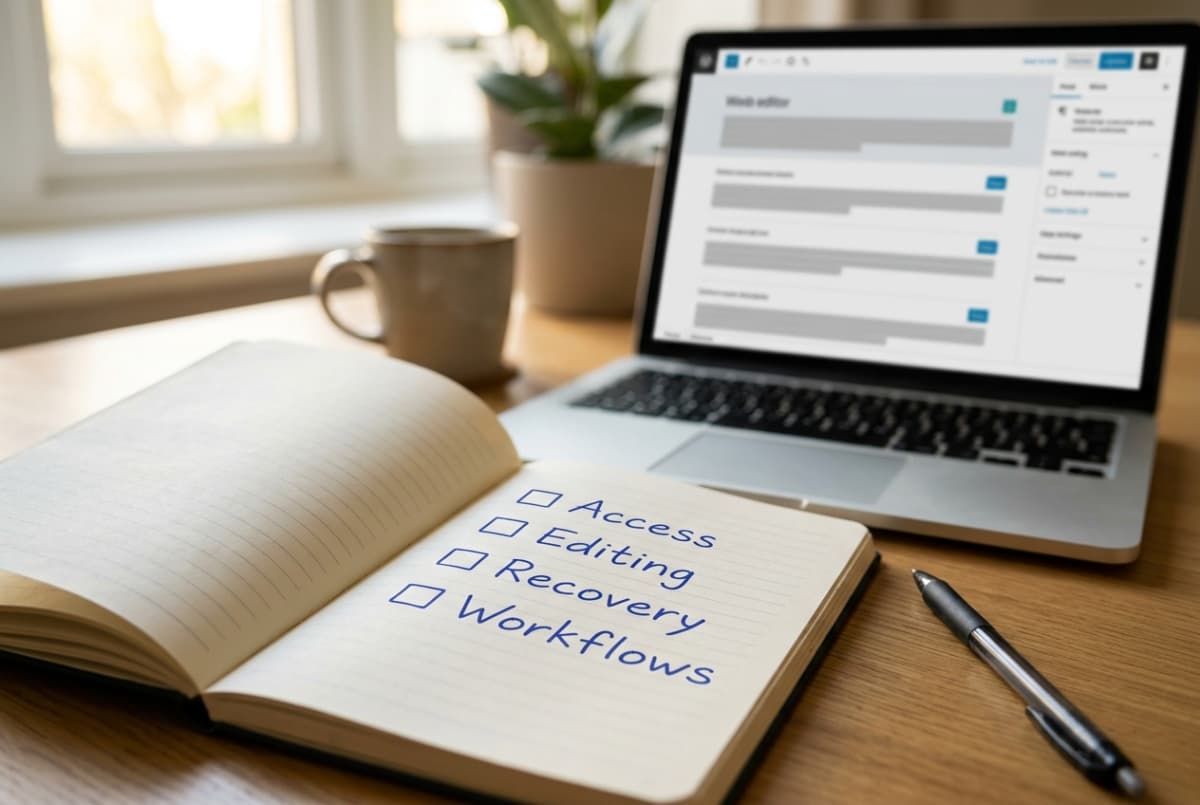
- 1Access check: the receiving administrator opens the correct account, confirms permissions and reviews recovery and renewal settings without using the outgoing person's session.
- 2Editing check: the intended editor changes an approved draft or staging page, previews it and reverses the change. Use a task your team will genuinely perform, such as updating opening hours.
- 3Recovery check: the authorised technical operator restores an agreed backup into an isolated environment and records which content, media and workflows were checked. If this was not tested, say so.
- 4Deployment check, where applicable: the incoming operator builds from the documented source and deploys to a protected preview using the approved configuration. Record any personal account, missing file or manual step still required.
- 5Business-flow check: verify the agreed form, booking or checkout path with controlled data and approved recipients. Confirm the actual destination and result, not only a success message on screen.
A staging hostname is not enough isolation. WooCommerce's testing guidance warns that test orders can affect email, analytics and integrations. Use the provider's supported test mode and test credentials, and isolate real fulfilment, messaging and other side effects. Never charge a real customer during a staging acceptance test. Any separately agreed live payment or customer message needs explicit approval. A fault discovered here belongs in a scoped investigation; the checkout troubleshooting guide handles that separate task.
If URLs are changing, prepare the relevant mapping and redirect work following Google's site-move guidance. If URLs are not changing, do not invent a migration or submit Change of Address just because you hired somebody new. Use the existing website launch checks for release QA, with controlled testing and no assumed ranking guarantee.
5. Remove old access in a controlled order
For an ordinary authorised handover, confirm the replacement administrator and recovery route before removing the departing person. If you suspect compromise or active misuse, treat that as an incident with the provider or a qualified responder; routine offboarding steps may not be the right sequence.
Use named accounts and provider invitations where possible. Share unavoidable secrets through a controlled vault, with appropriate multifactor protection; NCSC's password-manager guidance explains the underlying practice. Do not put passwords, recovery codes or links that grant access to anyone holding them into the handover worksheet.
- Decide remaining access: remove build-only accounts and limit continuing support access to the agreed work. Document who approved it and when it will be reviewed.
- Review machine access too: check API credentials, service accounts, deploy keys, automation tokens, webhooks and third-party connections—not only visible user accounts.
- Rotate shared credentials deliberately: identify dependencies, configure the replacement, test the affected workflow and retire the old credential. Blind rotation can stop payments, mail or deployments.
- Recheck after removal: confirm the receiving team still has access and record which former accounts or credentials were removed. Keep evidence without copying secrets into it.
Two Google cases deserve a specific check. In Search Console, removing a verified owner does not remove their verification tokens. Confirm a business-controlled verified owner and review unused ownership tokens and other verification paths. Do not indiscriminately delete Google verification records: the same token can support other services, including Google Workspace or Merchant Center.
In Google Analytics, permissions can be inherited from the account. A reduced property role does not cancel broader account access. Review the level that actually grants the permission, without accidentally granting or removing access to unrelated properties.
6. Record what is accepted and what remains
Use four statuses instead of one ambiguous tick. Verified means the receiving side completed the stated check. Pending means a named follow-up remains. Blocked means a required capability or approval is missing. Not applicable needs a short explanation. These are working decisions, not a legal certification or an automated security score.
A fictional example: the owner can edit the site and reach hosting invoices, but the only registrar recovery method still belongs to the outgoing developer. Mark CMS and billing verified, and registrar control blocked. The next action is an approved recovery or ownership process with the registrar—not another redesign, and not a blanket statement that everything is finished.
For each pending or blocked item, write its business effect, responsible person, next action, target date and any agreed temporary workaround. If the business accepts a limitation, record who accepted it and its scope. Do not silently turn an untested restore into a passed recovery check.
Close with the operating agreement: who applies updates, checks backups, pays renewals, monitors failures and handles support. Distinguish response hours from a resolution promise, and fixes under the original agreement from new work. The maintenance scope guide explains why software subscriptions and ongoing labour are different costs.
Copy this website handover template
Use the editable CSV checklist in your spreadsheet app, or open the printable handover worksheet and use your browser's Print / Save as PDF option. Both are blank, ungated files. Keep the completed copy in your business's restricted storage; do not upload account details to a public folder.
- Transition: website, agreed scope, receiving representative, outgoing operator and decision date.
- One row per service: provider/project, owning organisation, receiving administrator, renewal responsibility and secure access reference.
- Acceptance: check performed, environment, evidence reference, result and verification date.
- Follow-up: open issue, business effect, responsible person, target date and agreed exception or workaround.

For the acceptance note, use a short statement such as: “We verified the items marked Verified using the evidence recorded below. Pending and Blocked items remain assigned to the named people. This record covers the agreed transition only.” Use your agreed contractual sign-off process where one is required; a typed name in a worksheet is not independent identity verification.
Questions that need an answer before handover
Should the old developer keep administrator access?
Only where continuing work is authorised and the permission is necessary. Keep a named, reviewable account rather than an undocumented shared login. First verify the business's replacement control, then remove or narrow old access using the relevant platform's process.
What if the domain or hosting is in an agency account?
Clarify the contractual arrangement and provider's transfer or delegated-access process. An agency may legitimately manage hosting for several clients, so transferring its entire account is not appropriate. Record your site's service, billing and exit arrangements; a dispute over ownership needs separate resolution.
Does changing developer require a website migration?
No. A new operator may work through authorised accounts on the existing platform. Migrate only if an agreed requirement calls for it, and plan domain, DNS, email, data and URL changes explicitly. Do not treat account invitations as a reason to rebuild the site.
Can I sign off if a backup has not been restored?
You can record the backup's existence, coverage and access, but recovery remains unverified. Whether to accept that limitation depends on your agreement and business risk. Mark it honestly, assign the restore exercise and never describe an unperformed test as passed.
Finish with control, not another list of passwords
A useful handover lets the receiving team explain what it controls, use what was delivered and identify what still depends on someone else. Keep the record short enough to maintain, specific enough to act on and private enough to protect the business.
Written by
Ali Rehman - Freelance Web Developer
I work on WordPress websites, practical fixes and scoped web applications. Read my background and skill scope, or send a project brief to discuss a written plan and quote - start here.
More articles by Ali Rehman →