
Website Security for Small Business: The No-Jargon 2026 Guide
Around 43% of cyberattacks target small businesses - and most hacked websites were never 'chosen', just found by bots scanning for known holes. Here are the 10 security layers every business website needs, what to do if you get hacked, and the myths that keep owners exposed.
 Ali RehmanFull Stack Web Developer
On this page 6 sections
"Why would anyone hack us? We're tiny." It is the most common sentence in website security - and the most dangerous one. Industry research consistently shows that around 43% of cyberattacks target small businesses, and an estimated 30,000 websites are compromised every day. The overwhelming majority of those sites were never chosen by a human attacker. They were found - by automated bots scanning the entire internet, around the clock, for known vulnerabilities. Size is not protection. Obscurity is not protection. Only the boring, layered basics are.
The good news hiding inside those numbers: because most attacks are automated and opportunistic, basic hygiene defeats the vast majority of them. Attackers move to the next unpatched site the moment yours resists. As a freelance web developer I have cleaned up hacked sites and - far more cheaply - prevented hacks with an hour of setup, and this guide is the owner's version of that setup: ten practical layers in plain language, the exact steps if you are already hacked, and the myths that keep small business sites exposed. (Developers who want the code-level depth on sessions, tokens and password hashing can go one level deeper with my full-stack authentication guide - this article stays jargon-free.)
Why Small Business Websites Get Hacked

Understanding the attacker changes everything about the defense. Nobody in a hoodie is studying your bakery's website. Instead, automated scripts crawl millions of sites daily checking one thing: does this site run software with a known, published vulnerability? When a plugin developer patches a security hole, the patch itself announces the hole to the world - and every site that delays the update becomes a target with public documentation. Security researchers consistently attribute the large majority of WordPress compromises to outdated plugins and themes, not the core platform.
What do attackers actually want from a small site? Rarely your data - usually your resources and reputation: they inject spam links and hidden pages to leech your Google rankings (one of the uglier causes in my guide to why websites vanish from Google - Google flags and buries hacked sites), host phishing pages on your domain, quietly redirect your visitors, send spam through your mail server, or mine cryptocurrency on your hosting. Every one of these burns the thing your business spent years building: trust. Browsers slap a red warning on your URL, email providers blacklist your domain, and customers remember the malware alert far longer than the apology.
The 10 Security Layers (In Priority Order)
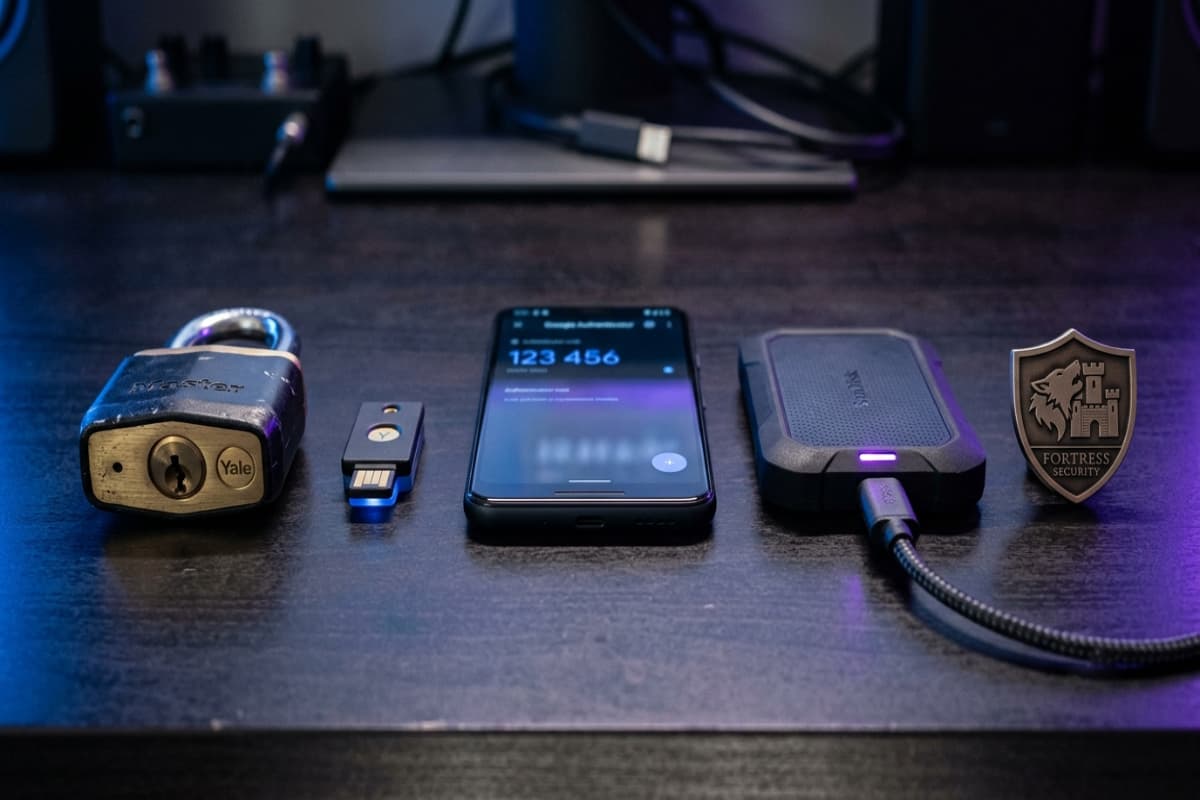
1. Keep Everything Updated - the Single Biggest Win
CMS core, plugins, themes, server runtime - the vast majority of automated attacks exploit vulnerabilities that were already patched months earlier. A monthly 30-minute update routine closes the door most bots knock on. Delete (do not just deactivate) plugins you no longer use: every installed extension is attack surface, active or not. If nobody in your business owns this task, that is precisely the gap a maintenance plan exists to fill - updates applied, tested and documented every month without you thinking about it.
2. Strong, Unique Passwords + a Password Manager
Bots run credential-stuffing attacks with billions of leaked passwords. If your admin password is reused from any other service that ever leaked, your site is already effectively public. The fix costs nothing: a password manager generating a unique 20+ character password per account. And rename the obvious doors - an admin account literally named "admin" with a guessable password is the first combination every bot tries.
3. Two-Factor Authentication (2FA) on Every Admin Login
Even a stolen password fails when a second factor is required. Enable 2FA on your website admin, hosting account, domain registrar and business email - the four keys to your online kingdom. An authenticator app beats SMS codes. This single free setting defeats the majority of account-takeover attempts, and it takes ten minutes across all four accounts.
4. Backups You Have Actually Tested
Backups are your undo button for every disaster - hacks, botched updates, server failures, human error. The rules: automated (humans forget), off-site (a backup stored on the hacked server gets encrypted along with everything else), versioned (a week of dailies, not one overwritten copy - you may need the backup from before the infection), and above all tested. An untested backup is a hope, not a plan; restore one to a test environment quarterly, as covered in the maintenance checklist.
5. HTTPS Everywhere (and Auto-Renewed)
The padlock encrypts traffic between visitor and site - table stakes since browsers began flagging plain HTTP as "Not secure." Certificates are free (Let's Encrypt, or bundled with any decent host), so the only real-world failure mode is expiry: set renewal to automatic and add an uptime monitor that checks the certificate. One expired cert can cost a week of customer trust in a single morning.
6. A Firewall / CDN in Front of the Site
A web application firewall (WAF) filters known-malicious traffic before it reaches your site - SQL injection attempts, exploit probes, brute-force floods. Cloudflare's free tier gives a small business a WAF, DDoS protection and a global CDN in one afternoon of setup, and the CDN side speeds the site up as a bonus (speed and security share infrastructure - the same layer appears in my website speed guide). This is the cheapest professional-grade layer available.
7. Least-Privilege User Accounts
Every person with admin access is an attack path - their reused password, their phished laptop, their forgotten account. Give each user the minimum role their work needs: content editors get editor accounts, not admin. Remove ex-staff and old freelancer accounts the day the engagement ends (quarterly account audits catch the forgotten ones). Most inside-door breaches are not malice; they are stale access nobody revoked.
8. Harden Your Forms
Every input on your site - contact form, search box, comments - is a door where attackers try injection and spam. Protection is standard practice: validate and sanitize inputs, add invisible anti-bot measures (honeypots beat annoying CAPTCHAs for conversion), and rate-limit submissions so a bot cannot hammer the endpoint. Well-built forms defend themselves; forms bolted on with a random plugin need auditing.
9. Security Headers and Monitoring
Security headers (Content-Security-Policy, HSTS, X-Frame-Options and friends) tell browsers to refuse whole categories of attack - clickjacking, script injection, protocol downgrades. They cost nothing at build time and most sites simply never set them; a professional build should ship them by default. Pair with monitoring: uptime alerts, malware scanning, and a monthly glance at Search Console's security section so you discover a problem before your customers do. Silent compromises - spam pages quietly added to your site - often run for months on unmonitored sites.
10. Choose Infrastructure That Reduces Attack Surface
Architecture is a security decision. A site assembled from 40 plugins on shared hosting has dozens of independently-maintained doors; a modern static/serverless build has almost none - there is no always-on server to breach and no plugin stack to patch. That gap is one of the honest trade-offs in WordPress vs custom builds, and if your current platform is too old to patch safely, security alone can justify the rebuild decision. WordPress can absolutely be run securely - lean plugin count, quality hosting, disciplined updates - but it must be run, not left.
Hacked? Do These Steps in This Order
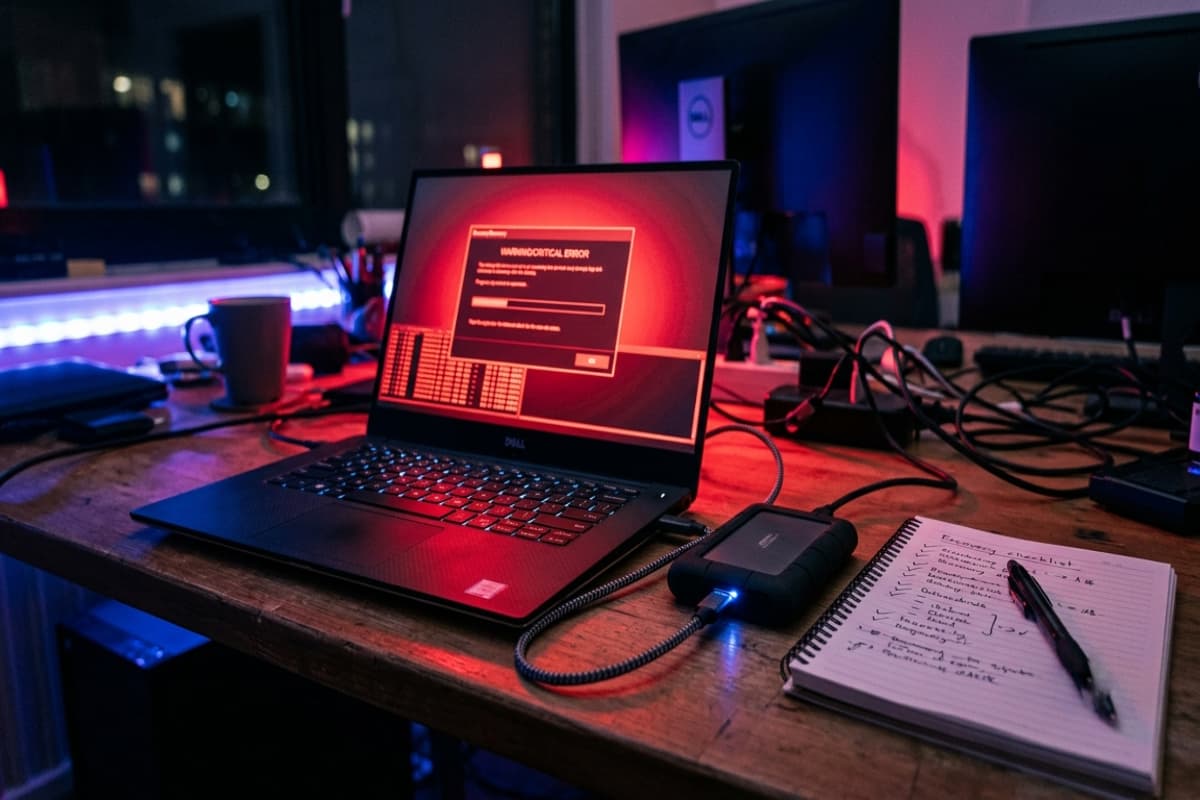
- 1Change every password immediately - hosting, admin, database, email, registrar - from a clean device, and enable 2FA where it was missing.
- 2Put the site in maintenance mode if visitors are at risk (redirects, malware warnings, phishing content). Protecting customers beats staying online.
- 3Identify the entry point and infection date - hosting logs, file-change timestamps, security scanner output. You need the date to choose the right backup.
- 4Restore from a clean backup taken before the infection, then immediately update everything and remove abandoned plugins - restoring without patching just reopens the same door.
- 5No clean backup? Get professional cleanup. Malware hides in databases, cron jobs and legitimate-looking files; deleting the obvious infection usually leaves the backdoor. Budget $300-1,500 for proper remediation.
- 6Request review in Google Search Console if Google flagged the site (Security Issues section) so the 'This site may be hacked' label is removed after cleanup.
- 7Write down the lesson - which layer was missing, and add it. A hack that produces a hardening checklist at least pays for itself once.
The 4 Myths That Keep Small Sites Exposed
- "We're too small to be a target." Bots do not check your revenue. They check your plugin versions. Small sites are targeted because they are less defended, not despite it.
- "We have SSL, so we're secure." HTTPS encrypts traffic in transit - it says nothing about outdated software, weak passwords or missing backups. The padlock is one layer of ten, not a security certificate for the whole site.
- "Our hosting company handles security." Hosts secure their servers, not your application. Your plugins, passwords, user accounts and backups are your responsibility - the fine print says so.
- "We'd notice if we were hacked." The profitable hacks are invisible: SEO spam injections, quiet redirects for some visitors only, phishing pages in subdirectories. Without monitoring, the average compromise runs for weeks before anyone notices - usually because rankings or emails start failing first.
What Security Actually Costs (vs. What Incidents Cost)

The full prevention stack for a typical small business site: password manager (~$0-3/month), 2FA (free), Cloudflare free tier, automated backups ($0-10/month), an hour of monthly update discipline - or a maintenance plan at $30-150/month that bundles all of it with monitoring and a human responsible. Against that: a professional hack cleanup at $300-1,500, days of downtime, blacklist removal, lost rankings that take months to rebuild, and the customer-trust damage no invoice captures. Widely-cited industry research puts a meaningful share of small businesses out of business within months of a serious cyber incident - the asymmetry is the entire argument. Security is one of the few line items where the cheap option and the right option are the same option.
Website Security FAQs
How do I know if my website has been hacked?
Warning signs: browser security warnings, unfamiliar admin users, pages or links you never created, traffic drops with Search Console security alerts, customers reporting redirects or spam emails from your domain, and hosting resource spikes. Run a remote scanner and check Search Console's Security Issues section - and remember the profitable hacks hide, so absence of obvious symptoms is not absence of compromise.
Is WordPress safe for a small business website?
Yes - run properly. WordPress powers about 43% of the web, which makes it the biggest target, but the compromises overwhelmingly come through outdated plugins, weak passwords and cheap hosting rather than the core software. A lean, updated, well-hosted WordPress site with 2FA and backups is genuinely secure; an abandoned 40-plugin install is genuinely not. The platform matters less than the discipline.
Do I need to pay for an SSL certificate in 2026?
No. Let's Encrypt certificates are free, automatic and exactly as encrypting as paid ones, and every reputable host bundles them. Paid certificates today mostly sell warranty add-ons and validation levels that browsers no longer display prominently. What matters is that HTTPS is enforced site-wide and renewal is automated.
How often should I back up my website?
Daily automated backups for a site that changes regularly (blog, store, bookings), weekly at minimum for a static brochure site - kept off-site, versioned for at least a week, and restore-tested quarterly. The test is the part everyone skips and the part that decides whether a bad day becomes a catastrophe.
What is the single most important security step?
If forced to pick one: updates - they close the holes the majority of automated attacks exploit. The honest answer is a triangle: updates, unique passwords with 2FA, and tested backups. Those three cost nearly nothing and cover the overwhelming majority of real-world small business incidents.
Website security is not a product you buy once - it is ten small habits, most of them free, that make your site a harder target than the next one on the bot's list. And that is genuinely the bar: attackers automate, and automation moves on when resistance appears. Lock the triangle first - updates, passwords with 2FA, tested backups - then layer the rest over a weekend. If you would rather have all ten layers set up, monitored and maintained by someone who does it every week, that is exactly what my website maintenance plans cover: send your URL through the contact page and I will reply within 24 hours with a written security health-check of your site - what is solid, what is exposed, and a fixed quote to close the gaps. No calls needed.
Written by
Ali Rehman - Full Stack Developer
I build fast, scalable web applications with React, Next.js, Node.js & TypeScript. Have a project in mind? Send me a message and get a written plan with a fixed quote - start here.
More articles by Ali Rehman →